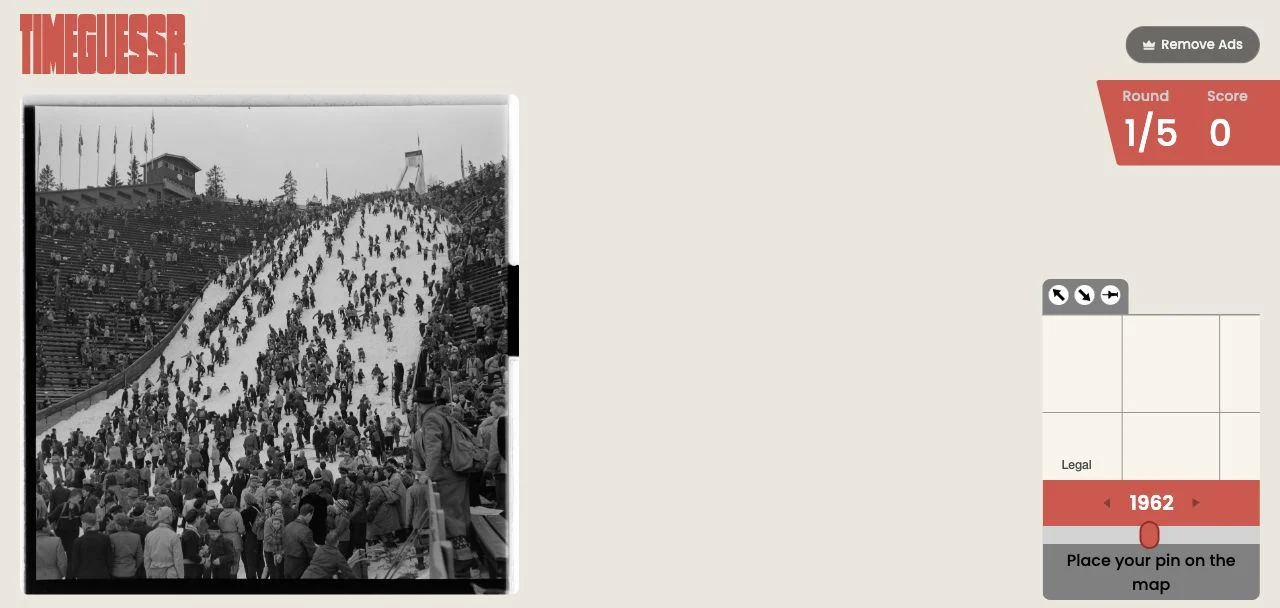
 Free entry
TimeGuessr
Estimate both the location and the year of a historical photograph.
Photos & history
A good period estimate and a good place estimate need separate clues. Let the map load, inspect the photograph and confirm both controls.
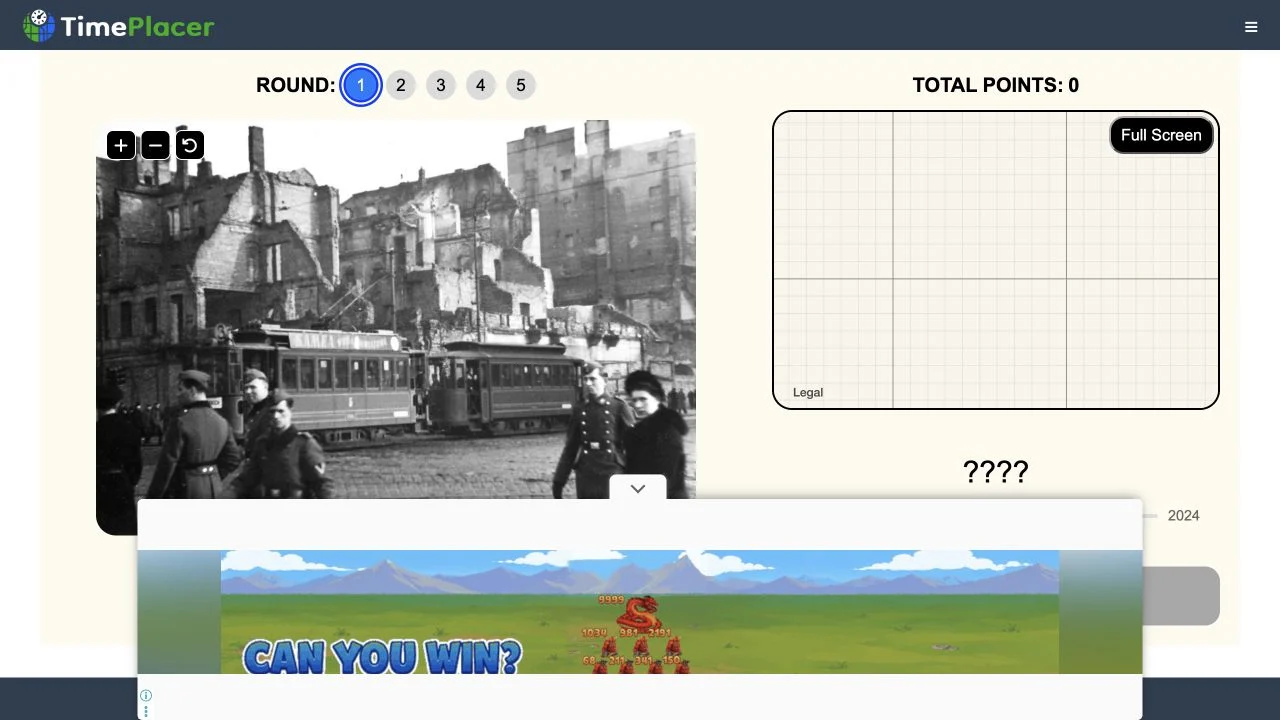
TimePlacer presents historical photographs alongside a map and year-selection controls. The inspected session shows five rounds and a year range from 1860 to 2024. Full-screen and image controls support close inspection rather than a quick recognition glance.
The public entry loaded its photograph, while the map layer was incomplete during capture. The screenshot therefore documents the photo and controls, not a verified completed score. If the map stays blank on your device, refresh the official entry before investing in a full session.
A location-and-year game can punish a confident answer in one dimension if the other is weak. Use the map to express a geographic estimate, then date the image through contemporary objects. Re-check the year slider after working on the map so neither control remains at an accidental default.
Read script, road design and landscape before attempting an exact city. A defensible region is a better base for map placement.
A recent vehicle or infrastructure feature sets a useful lower bound for the photograph’s date. Old buildings alone do not.
Before submitting, verify the intended map point and year. Switching attention between the two makes a forgotten default easy to miss.
You want historical still-photo inspection with separate spatial and chronological estimates.
You need a fully verified map session immediately. Our check recorded a loaded photograph but an incomplete map layer.
Choose a different game based on the experience you want.
Yes. Its entry pairs a photograph with map controls and a year selection.
No. The photograph loaded during inspection, but the map layer remained incomplete in the captured entry.
Free entry
Estimate both the location and the year of a historical photograph.
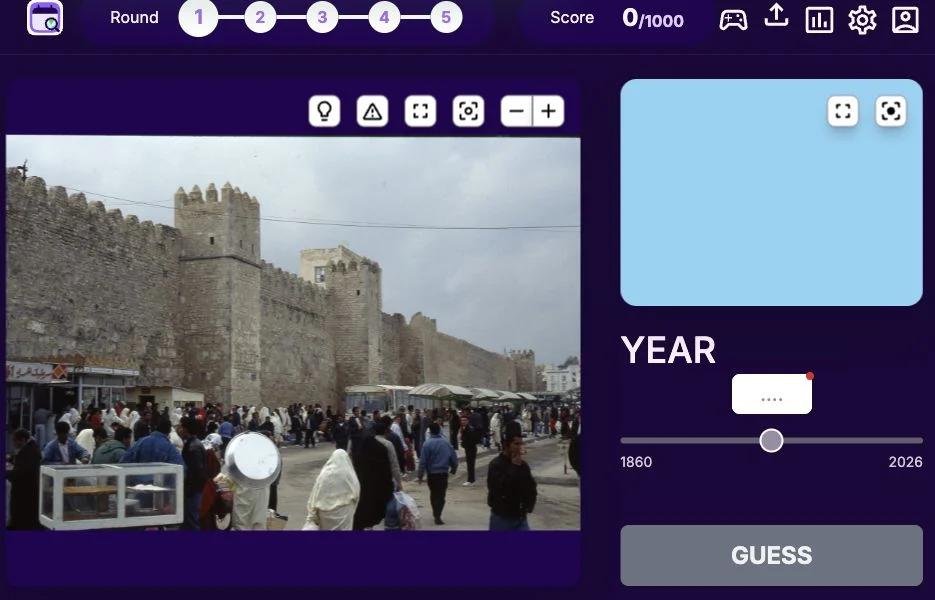 Free entry
Guess where and when a photograph was taken.
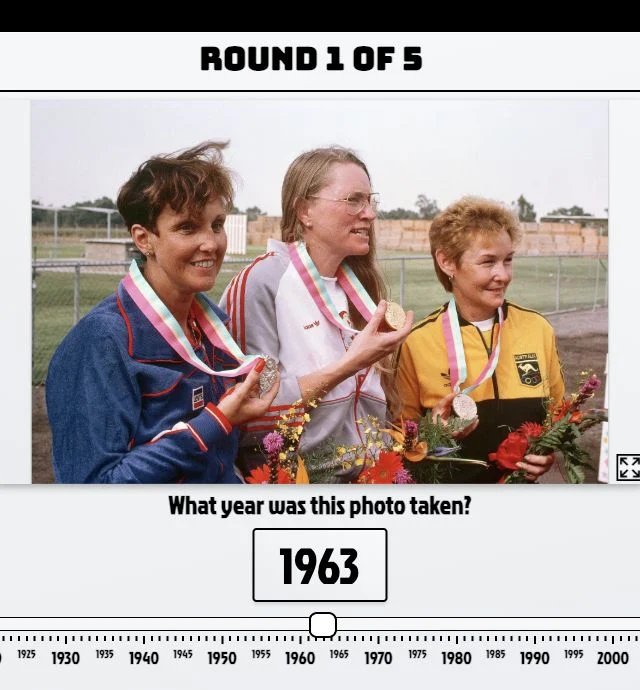 Free entry
Estimate the year of a photograph from the details within it.