 Free entry
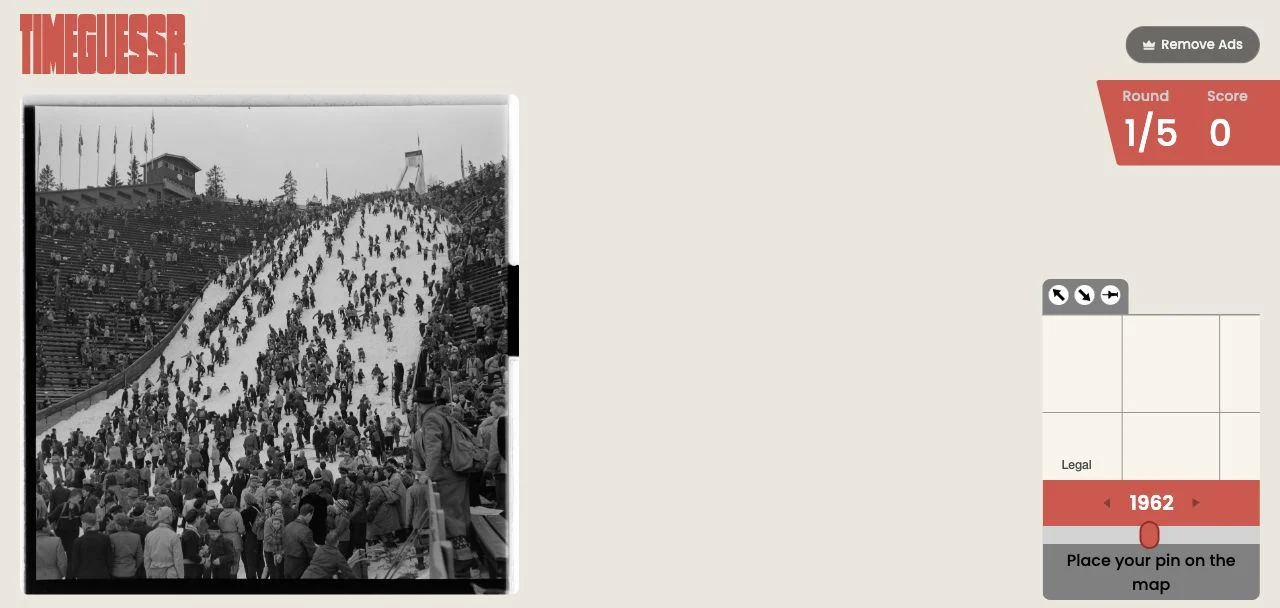
TimeGuessr
Estimate both the location and the year of a historical photograph.
Photos & history
A vintage object can survive into a newer photograph. Date the scene using several clues together, narrow the practice range when useful and concentrate on distinguishing one historical period from another.
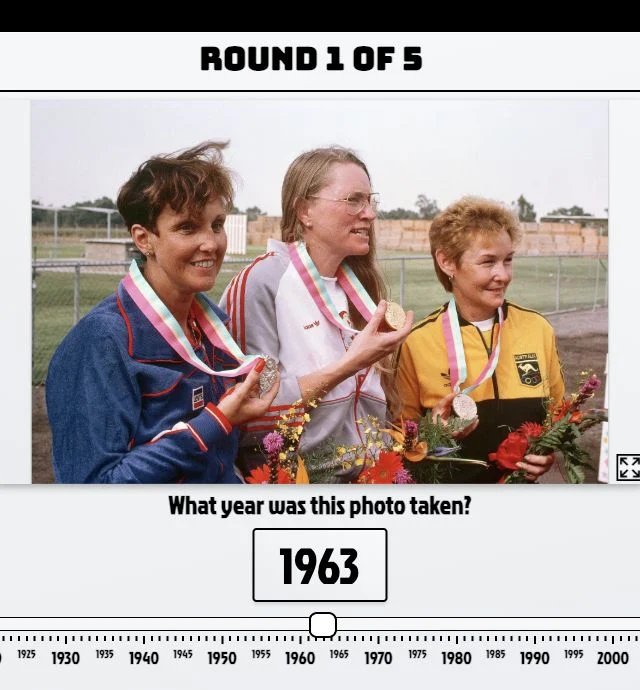
Chronophoto focuses on when a photograph was taken. Without a second location estimate to manage, you can concentrate on vehicles, fashion, buildings and the technology or photographic process visible in the image.
It is adjacent to geography games rather than a map quiz. Choose it when you want a historical visual challenge, and use TimeGuessr or WhenTaken if you want the additional task of locating the scene.
Chronophoto removes the location estimate and concentrates on the year. The challenge is distinguishing a detail’s age from the date of the whole photograph: old buildings, clothing styles and vehicles can persist. Several observations together give a more defensible period than any one item. The public game settings also allow a custom year range, which can make a session focus on the era you want to practice.
Compare transport, clothing, signs and the photographic appearance. When several clues suggest the same period, the estimate is stronger than one based only on image color.
A vintage car does not prove the photograph was taken when that car was new. Look for more recent objects or surroundings that could move the date forward.
Use a custom range when you want to distinguish nearby decades. Return to a broader range later to see whether the same clues help you place an unfamiliar photograph.
You enjoy dating images and want to spend all your attention on historical details. The year-only task suits players who find the photo analysis more interesting than moving a pin on a map.
Your goal is learning locations or you want every image tied to a geographic answer. Chronophoto is an adjacent historical game, so it does not replace a map quiz or location challenge.
Choose a different game based on the experience you want.
Choose TimeGuessr to add a geographic estimate to the year question. It asks you to separate the same photograph’s location evidence from its historical evidence.
Choose WhenTaken for another place-and-year daily challenge. It is a natural next step when you enjoy Chronophoto’s visual clues and want the additional map task.
The public Game Settings include a custom photo-year range with a minimum span of ten years. This changes the practice range; it does not remove uncertainty within each photograph.
Its core question is when the image was taken. Choose TimeGuessr or WhenTaken if you also want to estimate where the scene belongs.
Free entry
Estimate both the location and the year of a historical photograph.
 Free entry
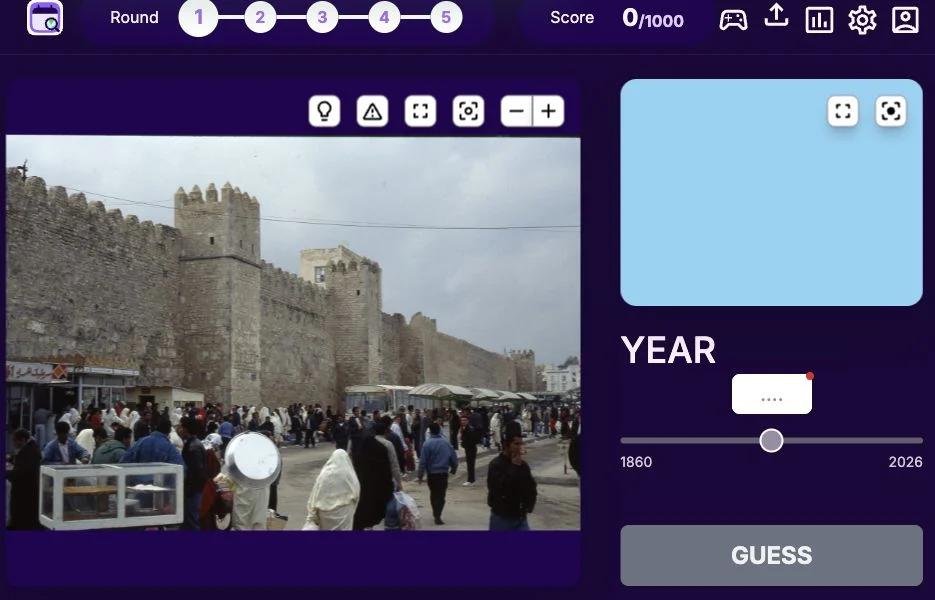
Guess where and when a photograph was taken.
 Free entry
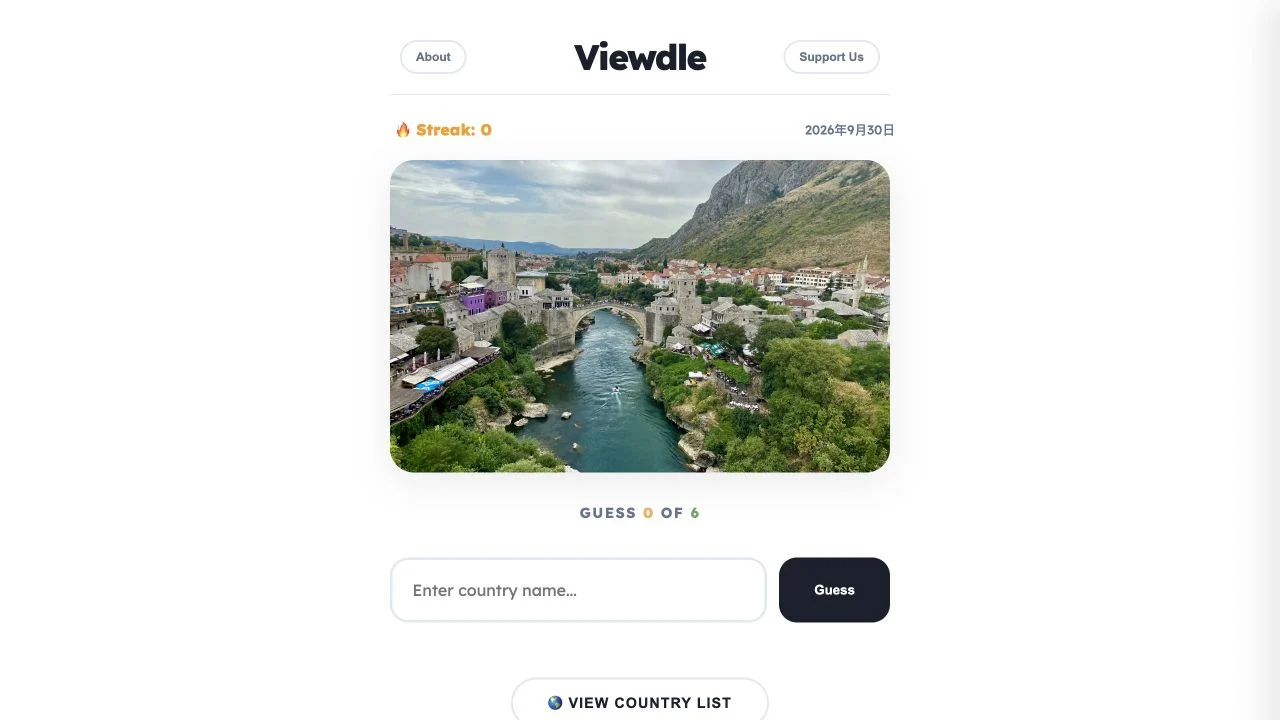
Identify a daily photograph’s country in six guesses, using geographic feedback after each attempt.