 Free entry
World Geography Games
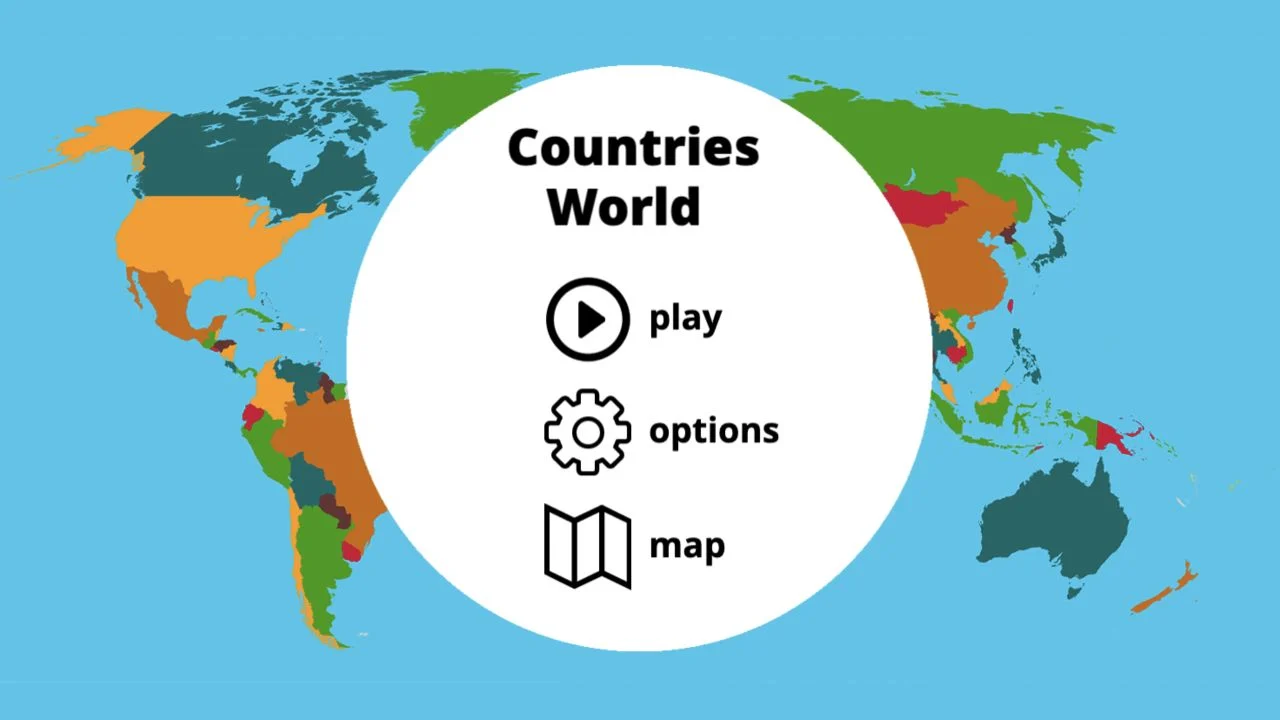
Practice countries, capitals, oceans and physical geography with focused map quizzes.
Map quizzes
A hint becomes a shortlist, and the shortlist becomes a map selection. Learn the country-guessing controls at mapgame.net and connect trivia knowledge with the actual country you need to click.
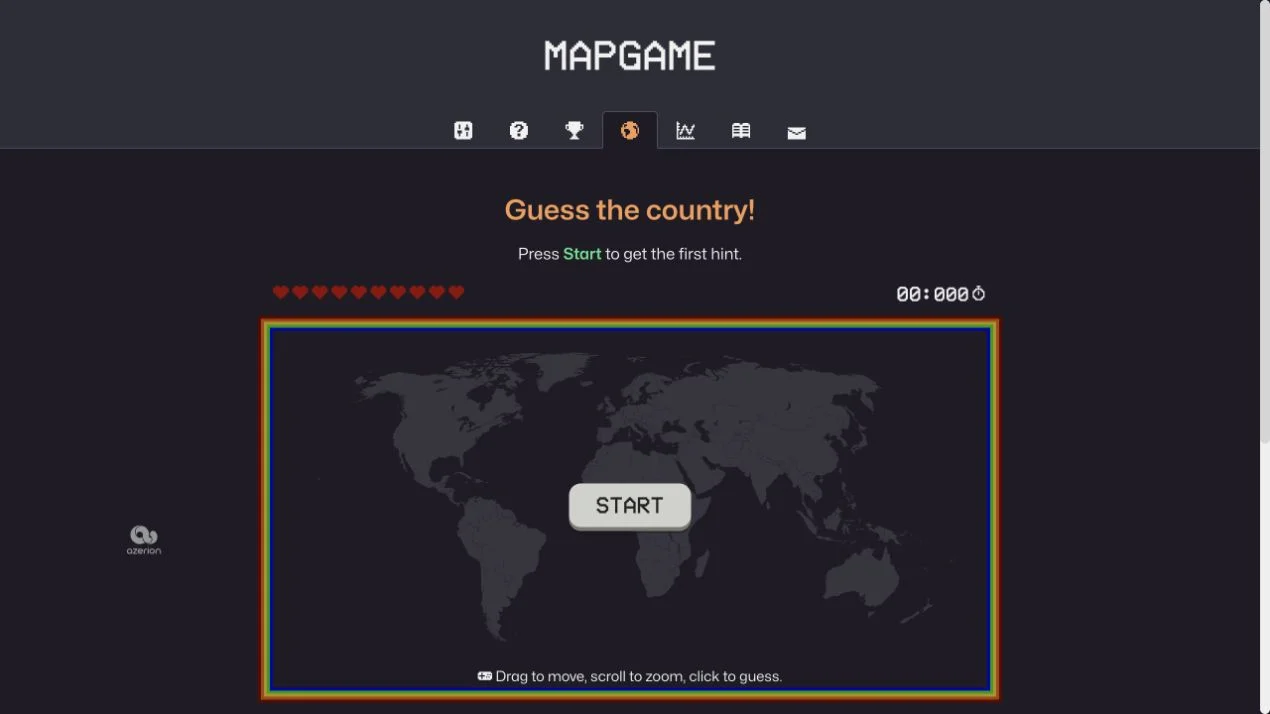
MapGame at mapgame.net is a separate game from this directory at mapgame.app. Its public interface asks you to guess a country, with Start revealing the first hint. You drag to move, scroll to zoom and click the map to guess.
This keeps the task spatial: connect what a clue tells you with a position on the world map. The supplied research describes a daily format, but the captured public interface shows a timer and country-guessing controls. Check the current menu for daily availability rather than assuming every round follows that schedule.
MapGame.net combines a country clue with an interactive map answer. The public entry reveals a first hint after Start; you then connect the clue to a country and select it on the map. That adds a second step to a trivia answer: you have to locate the place you think of. Map movement and guessing are separate actions, so take care to position the view before clicking the candidate country.
Interpret the hint before interacting with the map. A few plausible candidates keep the search focused and reduce the chance of clicking a familiar country without matching the clue.
Compare candidate countries with the regional context you can see. A clue may recall a name immediately, but the surrounding map can expose a mistaken geographic assumption.
Drag to the relevant area and zoom until the country is clear, then make the selection. Fine control matters particularly when several small countries share a crowded region.
You enjoy country clues but want the answer to be a place on a map rather than a typed name. It can expose the gap between knowing a fact about a country and locating that country.
You need a verified daily schedule or expect this directory’s former games. MapGame.net is a separate external product; our captured entry shows country hints, map controls and a timer.
Choose a different game based on the experience you want.
Choose Countryle for a typed country answer narrowed by geographic and demographic feedback. It focuses on interpreting attributes without requiring a click on the country’s map shape.
Choose playGeography for repeatable country-location practice. Its named prompts are useful when locating the answer, rather than solving the clue, is the skill you want to improve.
No. MapGame.app is this independent directory. The Visit link opens the separate game at mapgame.net, whose features and policies are controlled by its operator.
Move and zoom the map before making a guess, using the controls shown at the entry. A wider view helps orientation; a closer view helps separate neighboring shapes.
Free entry
Practice countries, capitals, oceans and physical geography with focused map quizzes.
 Free entry
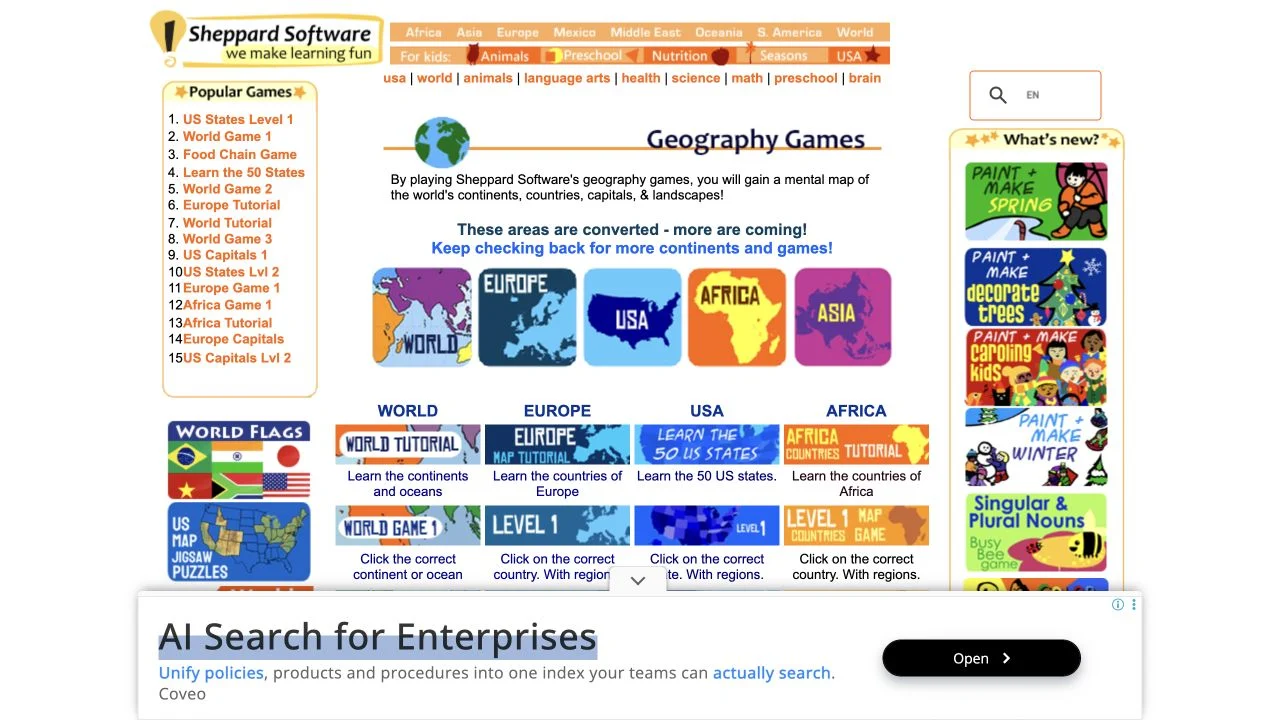
Learn geography through regional map exercises and approachable practice games.
 Free entry
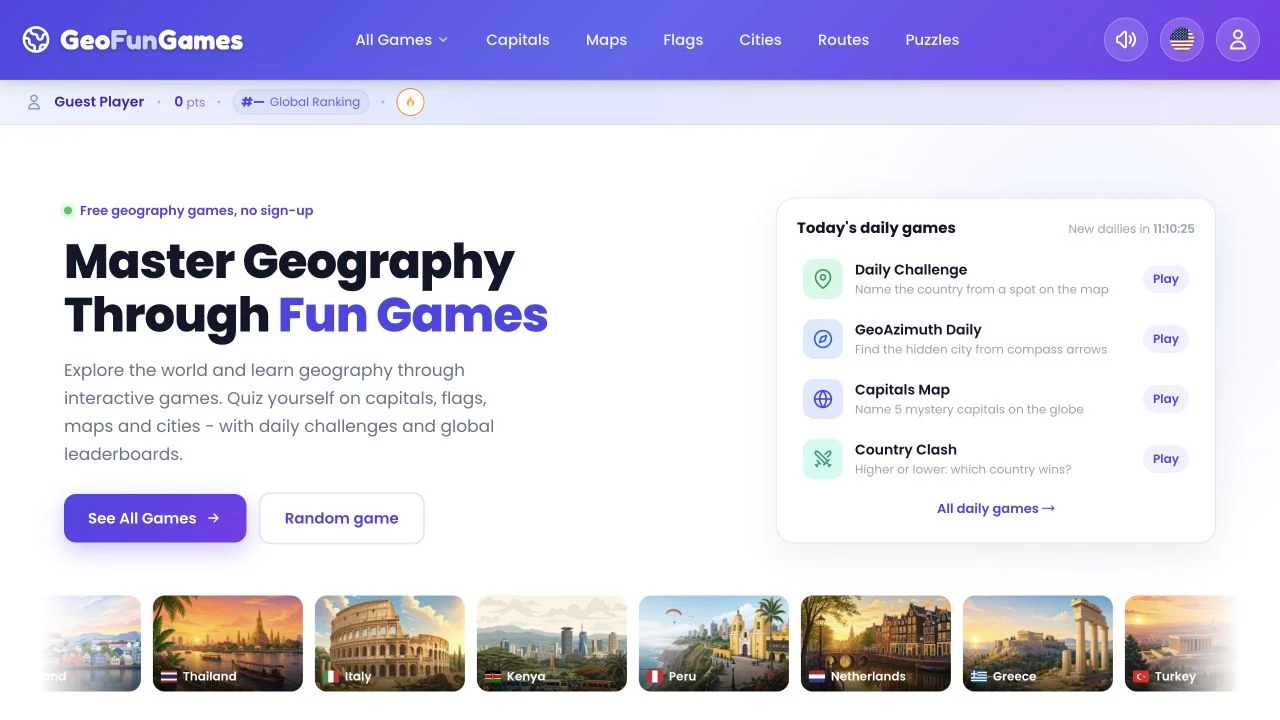
Practice map, flag and capital knowledge across geography activities.