 Free entry
World Geography Games
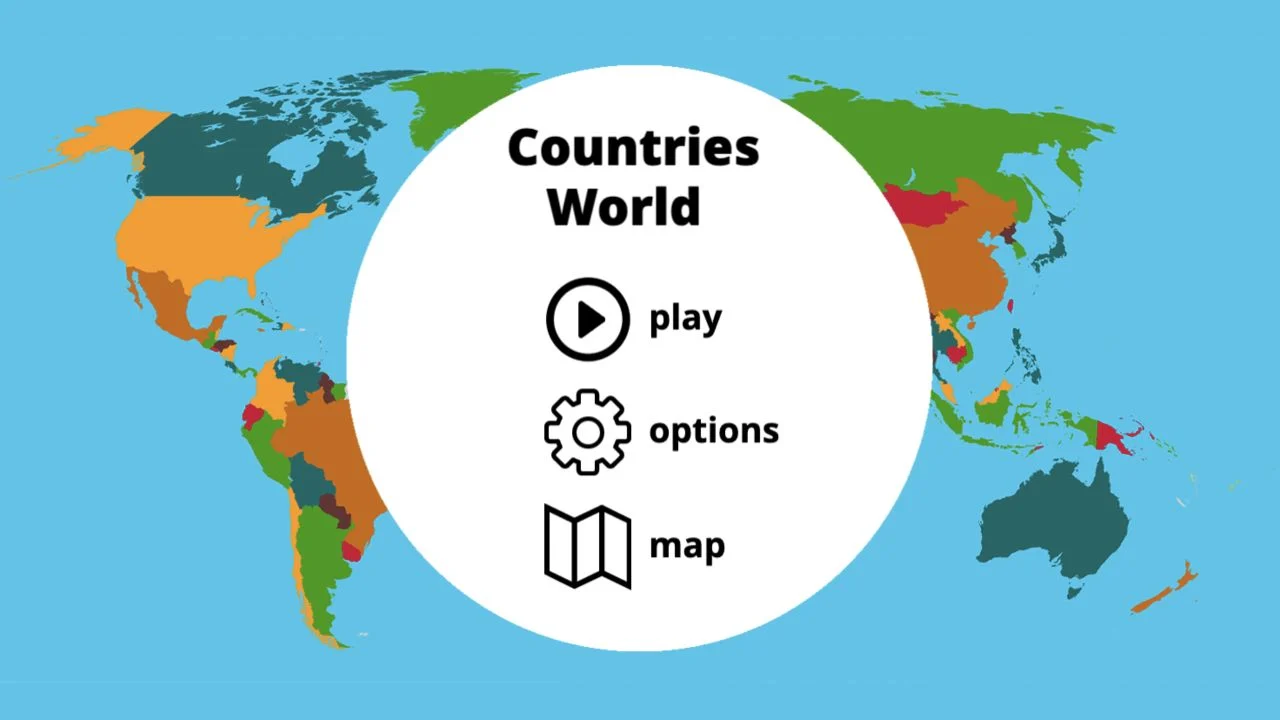
Practice countries, capitals, oceans and physical geography with focused map quizzes.
Map quizzes
A large geography goal becomes smaller when the lesson is one region. Choose an activity that fits the learner, alternate studying with recall and preview its controls before using it in a class.
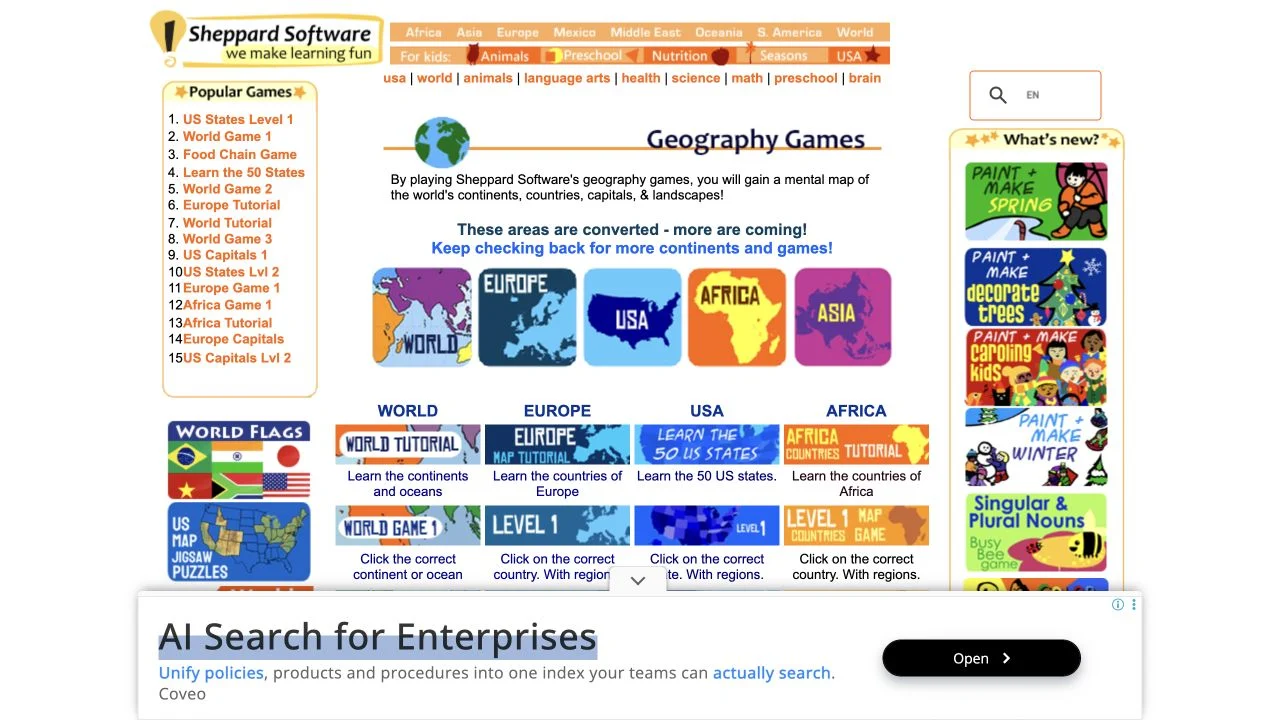
Sheppard Software is an educational game platform with geography as one of several subjects. The geography exercises organize countries and regions into smaller tasks, which helps when a complete world map feels overwhelming.
Look for an activity that matches what you want to learn, then move between study and quiz-style practice where available. The site-wide traffic estimate includes its other educational content; it is not a count of geography players.
The geography section is a collection of activities, so the most important choice happens before the first answer: which region and learning task fit the learner? A small country set can make new names manageable, while a larger regional exercise tests whether those names have become a coherent mental map. Where an activity offers learning and quiz views, they serve different purposes—introducing locations and retrieving them from memory.
Choose a country or region set that contains a manageable number of unfamiliar places. A difficult world exercise can hide whether the problem is the names, the positions or the controls.
Study the locations, then try the quiz without relying on the learning view. Return to the specific missed places instead of restarting an entire lesson after every error.
Check its controls and compatibility on the intended device. The platform includes activities from different periods, so one working section does not establish that every exercise behaves the same way.
You want approachable regional exercises and prefer a lesson-sized activity to a daily mystery. It is a useful candidate for learners who benefit from studying a map before being asked to recall it.
You need one uniform interface, modern game competition or a geography-only platform. Sheppard Software covers several educational subjects, and the design of individual activities can vary.
Choose a different game based on the experience you want.
Choose World Geography Games for a catalog focused on geography, including capitals and physical features. It provides a direct subject-based route when the wider educational platform is more than you need.
Choose Seterra when its available pin or typing tasks fit the lesson better. Different answer formats can reveal whether a learner recognizes a place or can recall its name.
No. Geography is one section of a broader educational platform. Our official link goes to that section, and the supplied traffic estimate covers the entire site.
Preview the exact activity on the class device, including its controls and layout. Select a region and difficulty that match the lesson rather than assigning the entire catalog.
Free entry
Practice countries, capitals, oceans and physical geography with focused map quizzes.
 Free entry
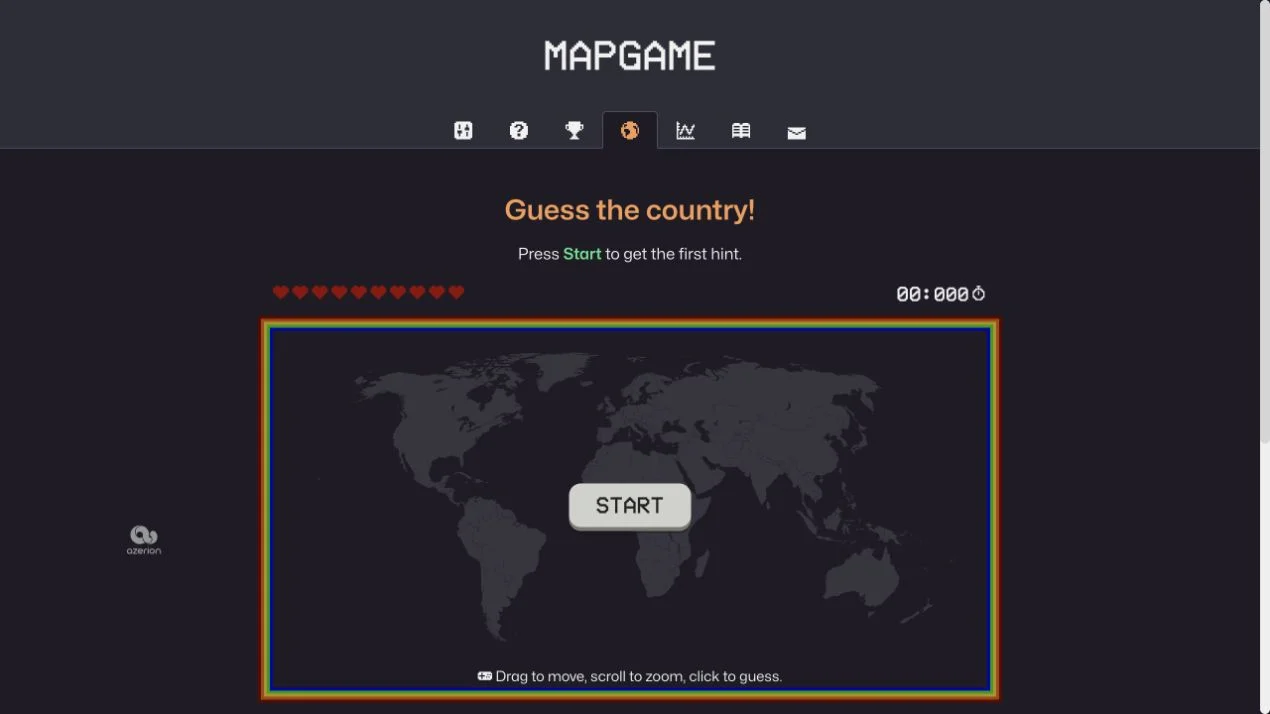
Find a hidden country through clues on an interactive world map.
 Free entry
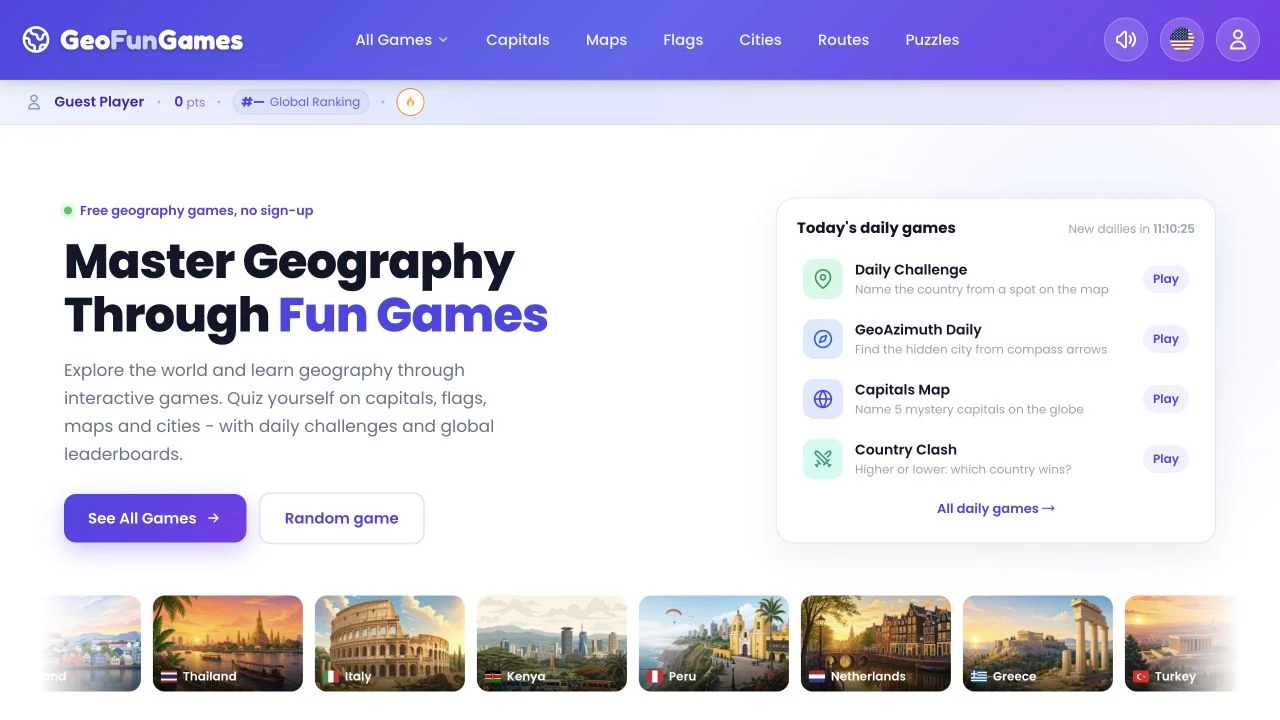
Practice map, flag and capital knowledge across geography activities.