 Free entry
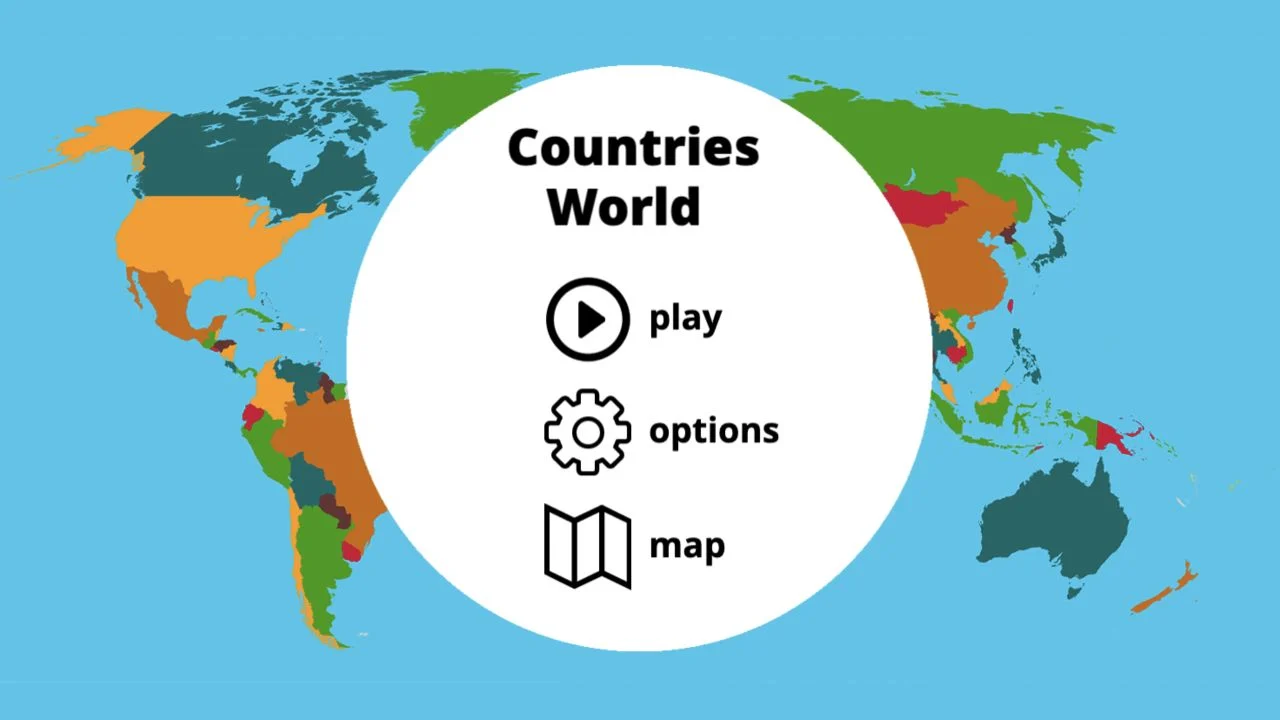
World Geography Games
Practice countries, capitals, oceans and physical geography with focused map quizzes.
Map quizzes
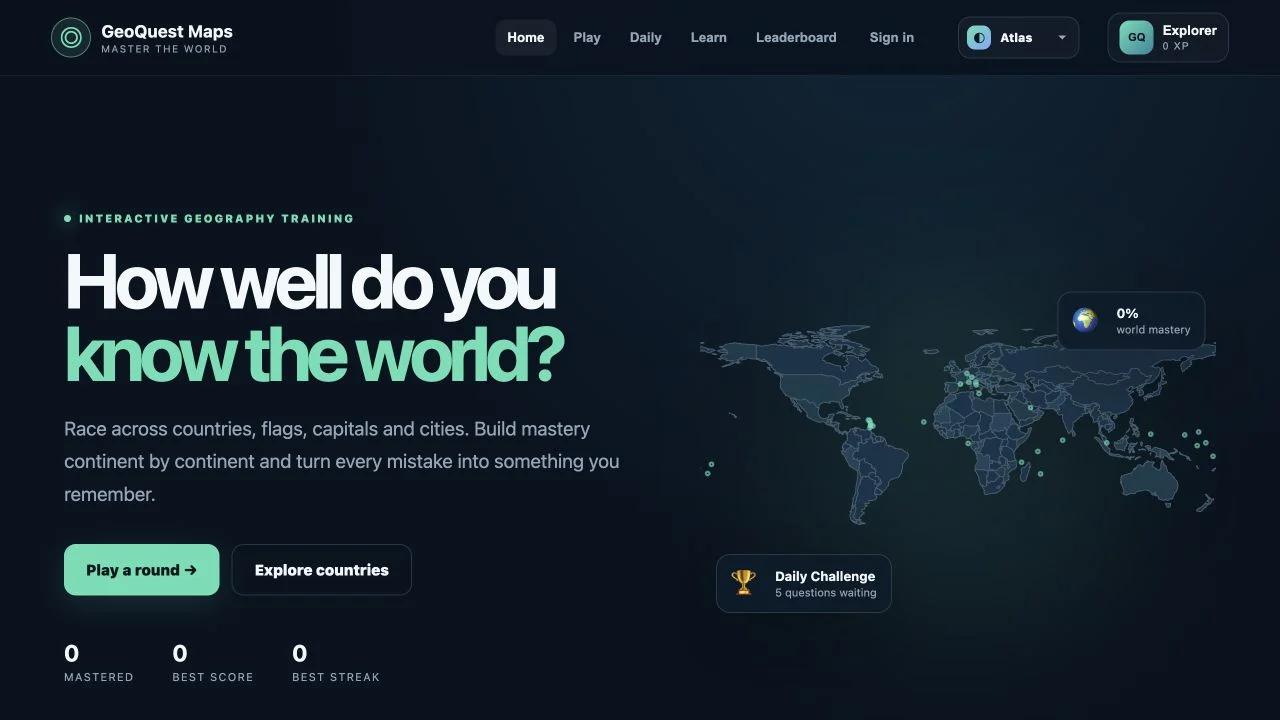
A mastery view is useful when it changes the next round. Separate location, flag and capital gaps, then choose a regional exercise that addresses the weakest association.
GeoQuest Maps features Find the Country, Flag Challenge and Capital Challenge, with a larger mode catalog linked from the homepage. Regional selection and difficulty let you focus before beginning, while country guides offer facts and neighbors beside the games.
The public guide describes browser-local XP, streaks, achievements and country mastery. Smart Practice is intended to revisit countries you miss often. No account is required, but a progress display on this device should not be mistaken for verified cross-device synchronization.
Location selection, flag matching and capital recall are related but distinct skills. Mastery indicators can help identify a gap, provided you examine which task produced it. A country you can click confidently may still have an unfamiliar flag. Use targeted practice to test the weak association rather than replaying only the strongest format.
Decide whether you are learning location, flag or capital. A focused goal makes each wrong answer easier to turn into practice.
Use the Learn area’s gaps instead of restarting a familiar continent automatically. Difficult microstates deserve specific attention.
The public description stores progress in this browser. Use the same device when assessing the recorded improvement over several sessions.
You want regional practice with a visible record of what still needs work.
You require synchronized classroom accounts or a political reference map. Those are not established by the public educational interface.
Choose a different game based on the experience you want.
The public FAQ says every geography mode is playable without paying or creating an account.
The checked description says browser progress stays on this device. We did not verify an account-based synchronization flow.
Free entry
Practice countries, capitals, oceans and physical geography with focused map quizzes.
 Free entry
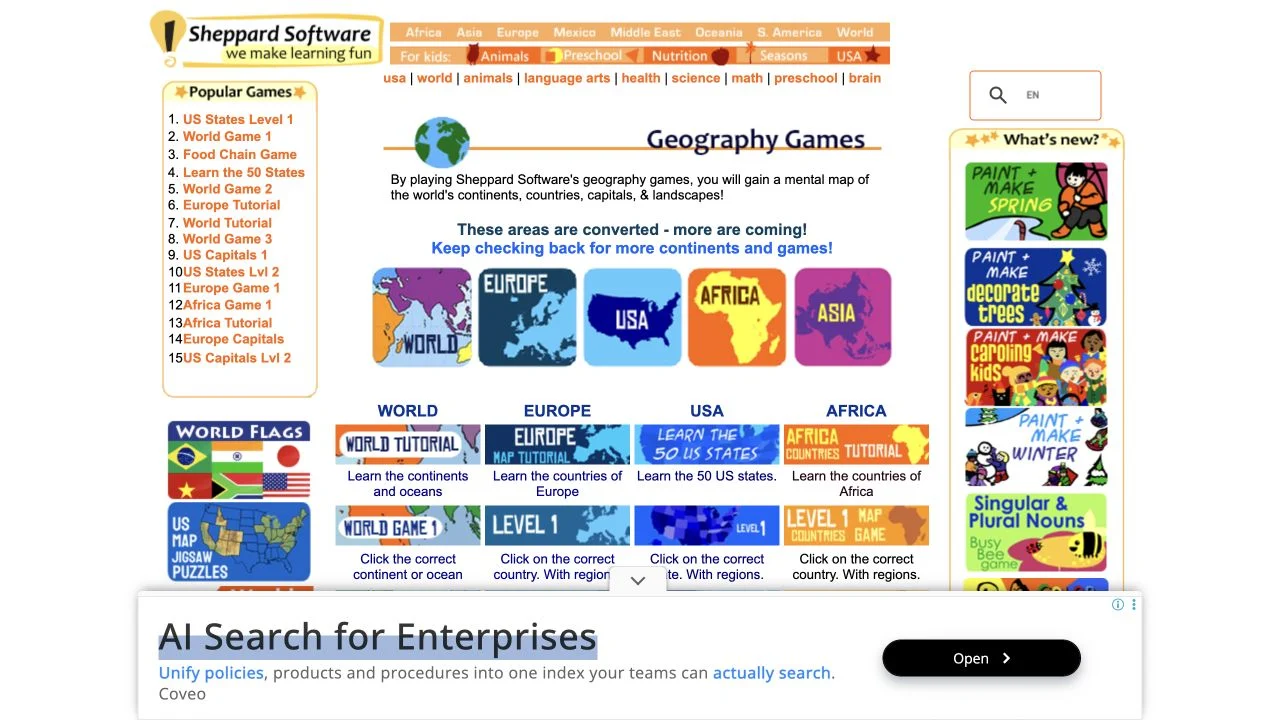
Learn geography through regional map exercises and approachable practice games.
 Free entry
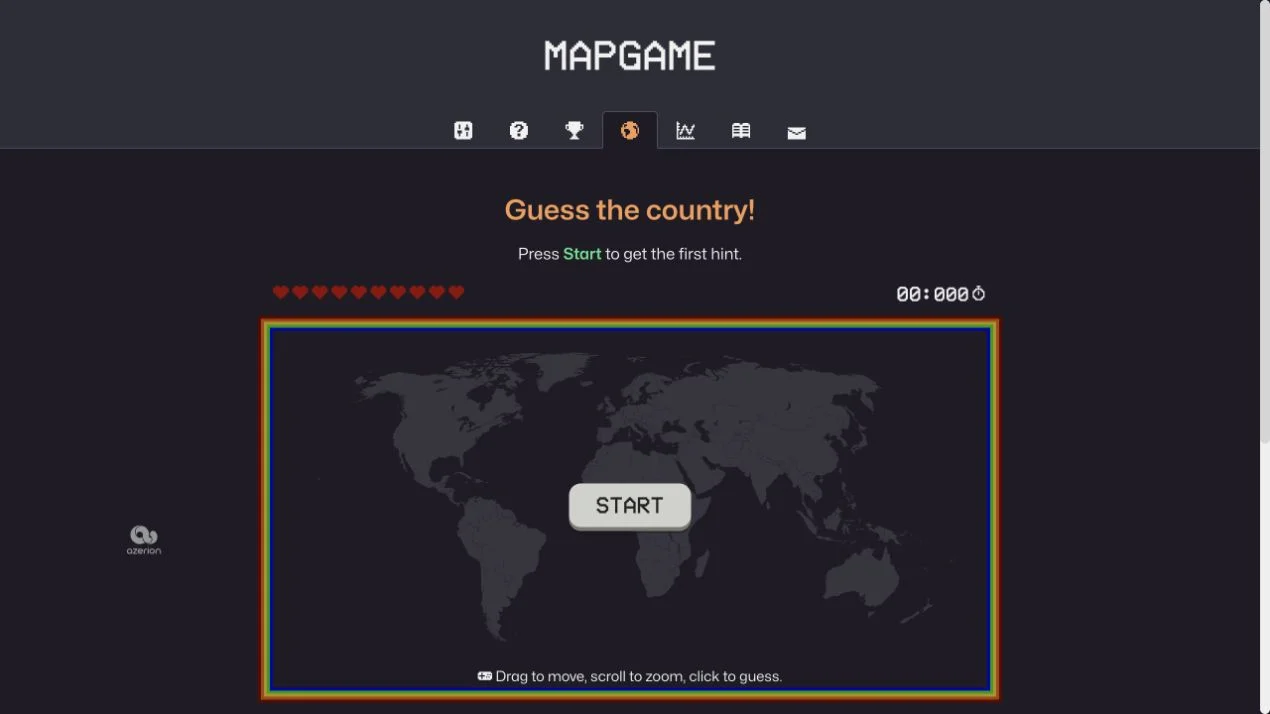
Find a hidden country through clues on an interactive world map.