 Free entry
World Geography Games
Practice countries, capitals, oceans and physical geography with focused map quizzes.
Map quizzes
The target is supplied; its position is the test. Anchor it to coastlines and neighboring regions, then choose map navigation settings that fit a learning or recall session.
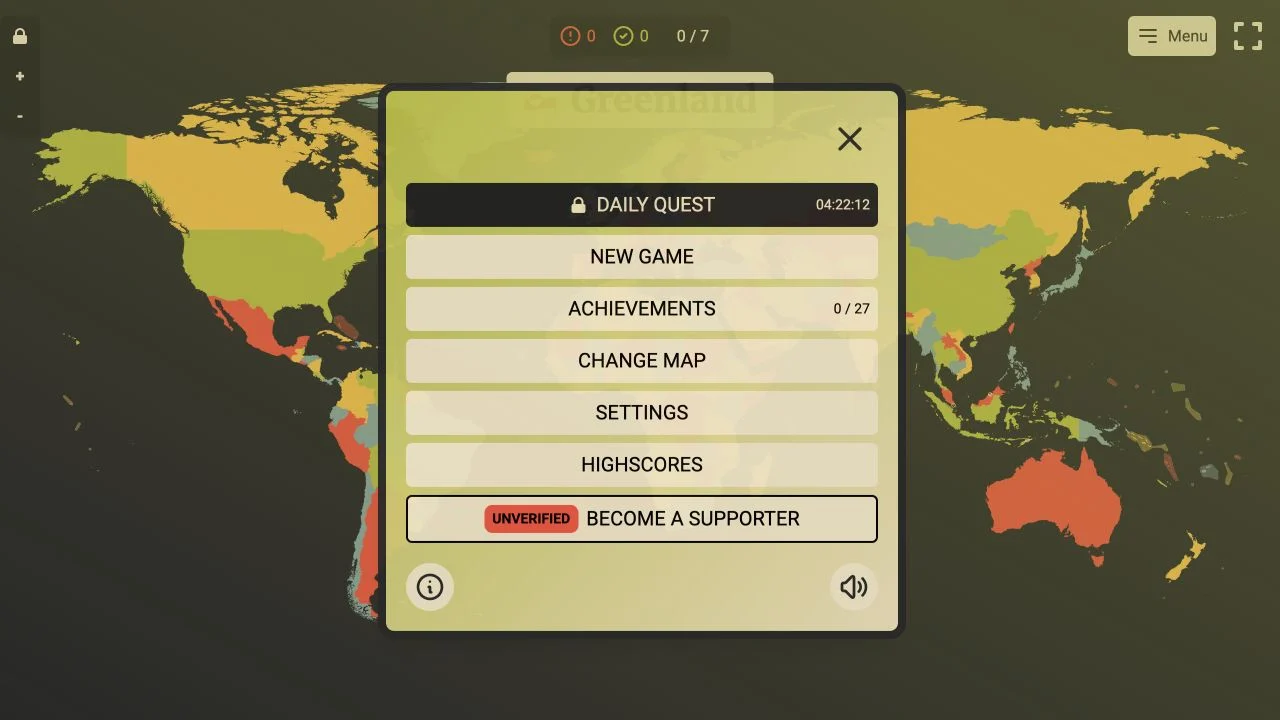
GeoQuest places a named target above an interactive map. The checked round prompted Greenland and displayed progress through a seven-target set. The task is to locate supplied names rather than infer a country from an outline or photograph.
The menu exposes Daily Quest, New Game, map changes, settings, achievements and high scores. A Disable pan and zoom checkbox changes map handling. These controls let you decide whether to study with navigation or test recognition at a fixed view, although the full achievement and supporter flows were not tested.
Named-target map quizzes test retrieval of position directly. Start with a continental anchor, then narrow to coast, latitude or neighboring places. Pan and zoom can support learning, but changing the view also changes the screen coordinates you associate with a target. Aim to remember geographic relationships rather than memorizing where you clicked on one viewport.
Find a continent, ocean edge or familiar neighbor first. Relative position is more reusable than the target’s location on one particular screen.
Use pan and zoom while learning a difficult region. Try the disabled-navigation setting later to see which locations you can identify from the broader view.
After a wrong placement, study nearby countries and coastlines. A corrected relationship is more valuable than repeating the same click without understanding it.
You want direct map practice with named prompts and replay-oriented controls. It suits short study sets where you can revisit an unfamiliar region.
You prefer typing a hidden answer or want a comprehensive lesson sequence. The checked interface is a target-location game, and map options should be inspected for your intended scope.
Choose a different game based on the experience you want.
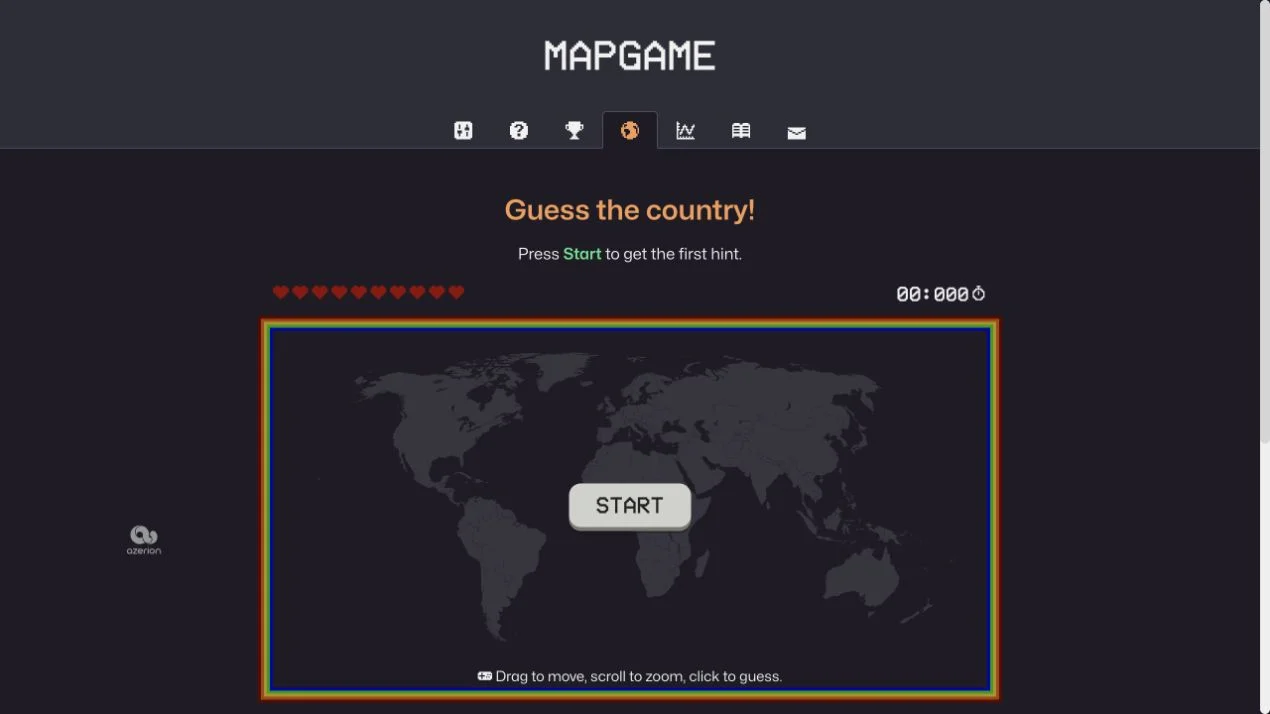
The checked round supplied the target name and asked you to locate it on the map. This differs from games that hide a country and reveal clues after typed guesses.
The public interface has a Disable pan and zoom checkbox. Use it when a fixed view better matches your recall exercise, after learning the normal navigation controls.
Free entry
Practice countries, capitals, oceans and physical geography with focused map quizzes.
 Free entry
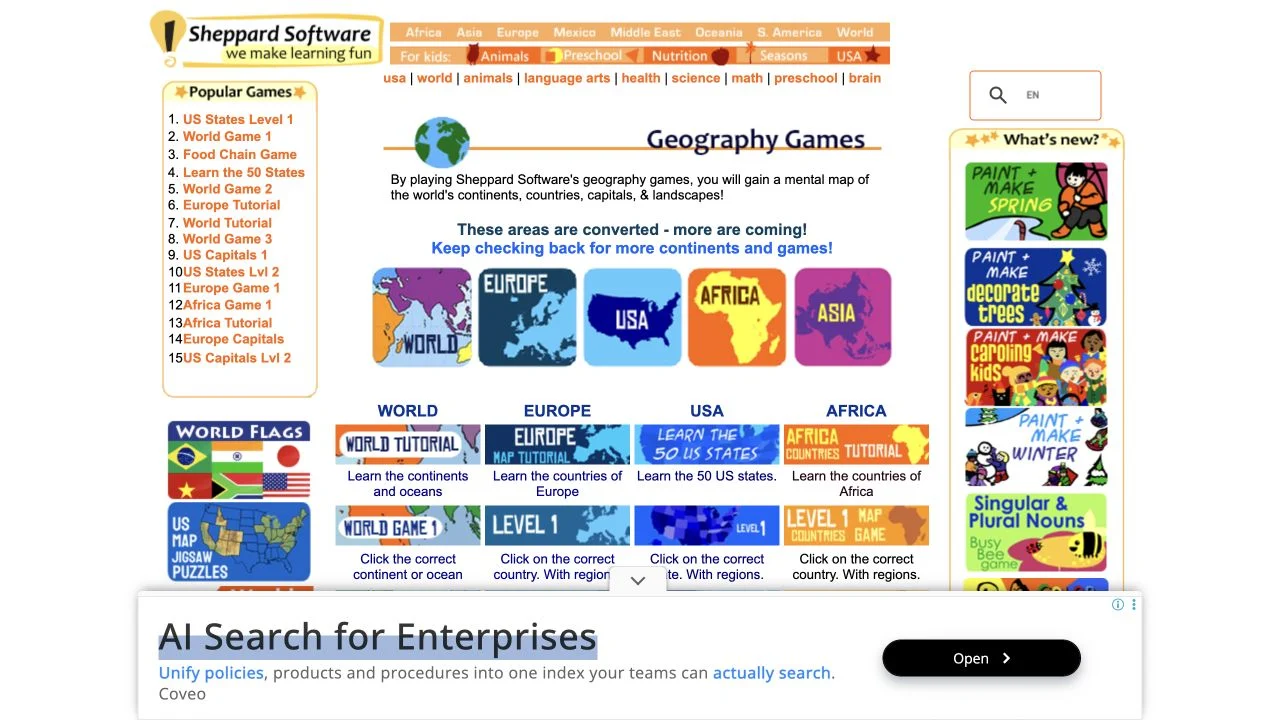
Learn geography through regional map exercises and approachable practice games.
 Free entry
Find a hidden country through clues on an interactive world map.