 Free entry
World Geography Games
Practice countries, capitals, oceans and physical geography with focused map quizzes.
Map quizzes
Map clicks, border lists and country routes reward different skills. Choose the mode together, read its mistake penalty and use a region that gives everyone a useful starting point.
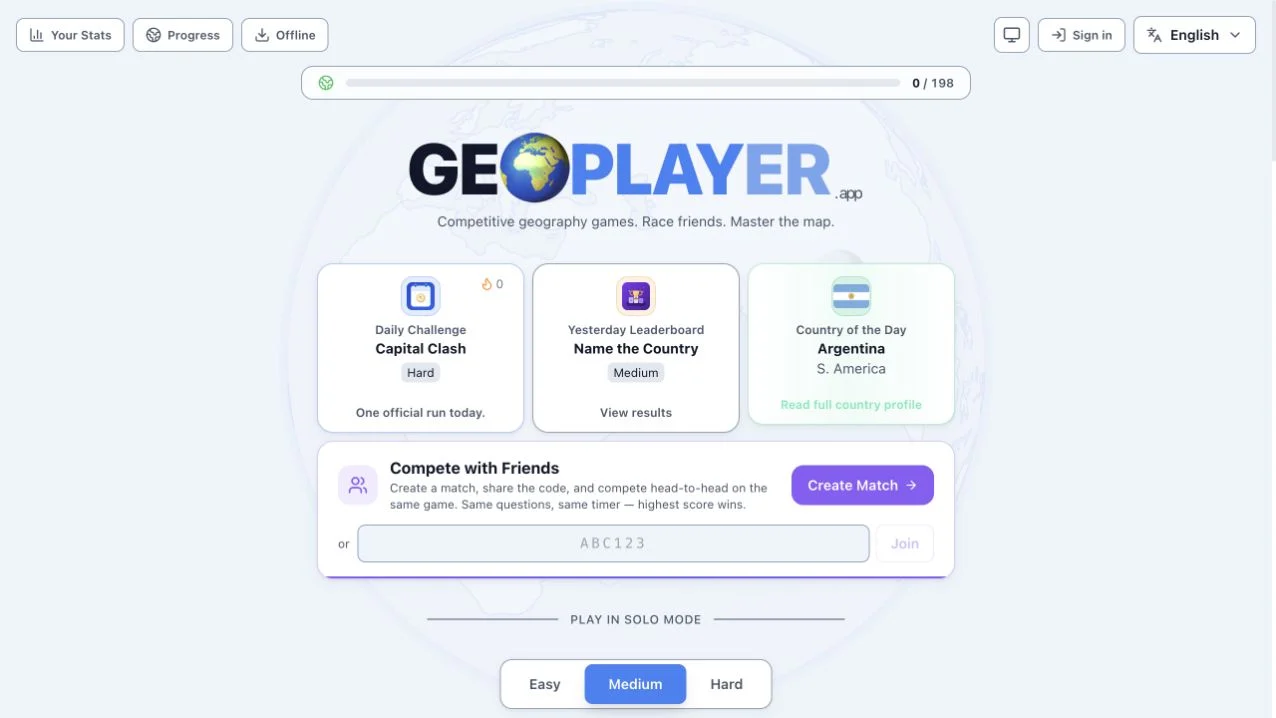
GeoPLAYER combines solo exercises with a Create Match and code-entry interface. Its public description says players in a match receive the same questions and timer. Region and Easy, Medium or Hard choices appear above modes such as map finding, border recall and flag placement.
The menu’s rules vary substantially: Map Painter names countries, Connect Countries builds a route and Flag Map ends a run after one wrong click. Country mastery and stars are visible progress features. We inspected the mode and room controls, without completing a multiplayer match or offline session.
The timer is shared in advertised matches, but not every mode punishes errors the same way. A one-miss flag run needs accuracy before speed; border typing rewards retrieving several names within the limit. Select the task that fits the group’s knowledge rather than assuming that choosing a region alone levels the competition.
Tell friends whether the round asks for clicks, typed neighbors or a route. Matching the timer is not enough if players misunderstand the objective.
A lost life, score deduction and ended run have different consequences. Check the selected tile before prioritizing speed.
Choose a familiar region for a first match. Increase difficulty after everyone has learned the controls, so interface confusion does not decide the result.
You want several geography skills with a visible friend-match setup and adjustable regional scope.
You require tested multiplayer reliability or verified offline play. The checked interface established setup options, not complete sessions.
Choose a different game based on the experience you want.
No. The checked tiles describe different timers and error rules, including a flag-map format where one wrong click ends the run.
The Create Match and join-code controls were available, but no full match with multiple players was completed during the check.
Free entry
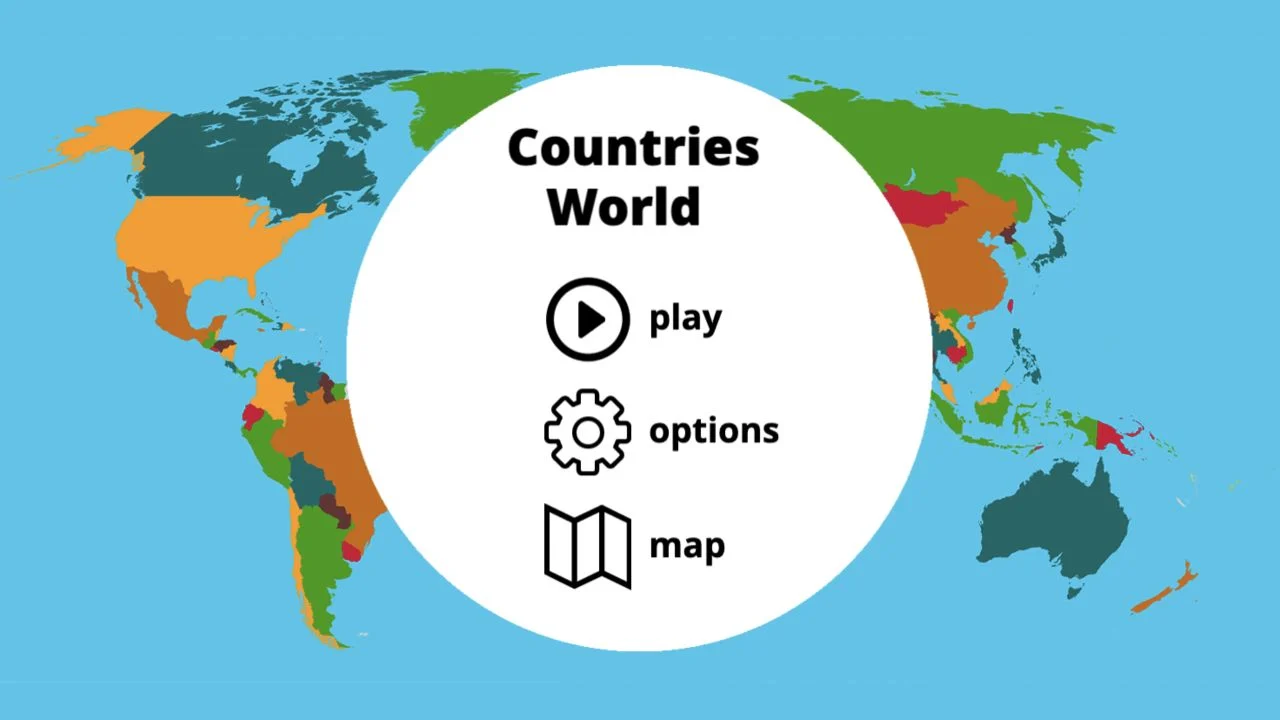
Practice countries, capitals, oceans and physical geography with focused map quizzes.
 Free entry
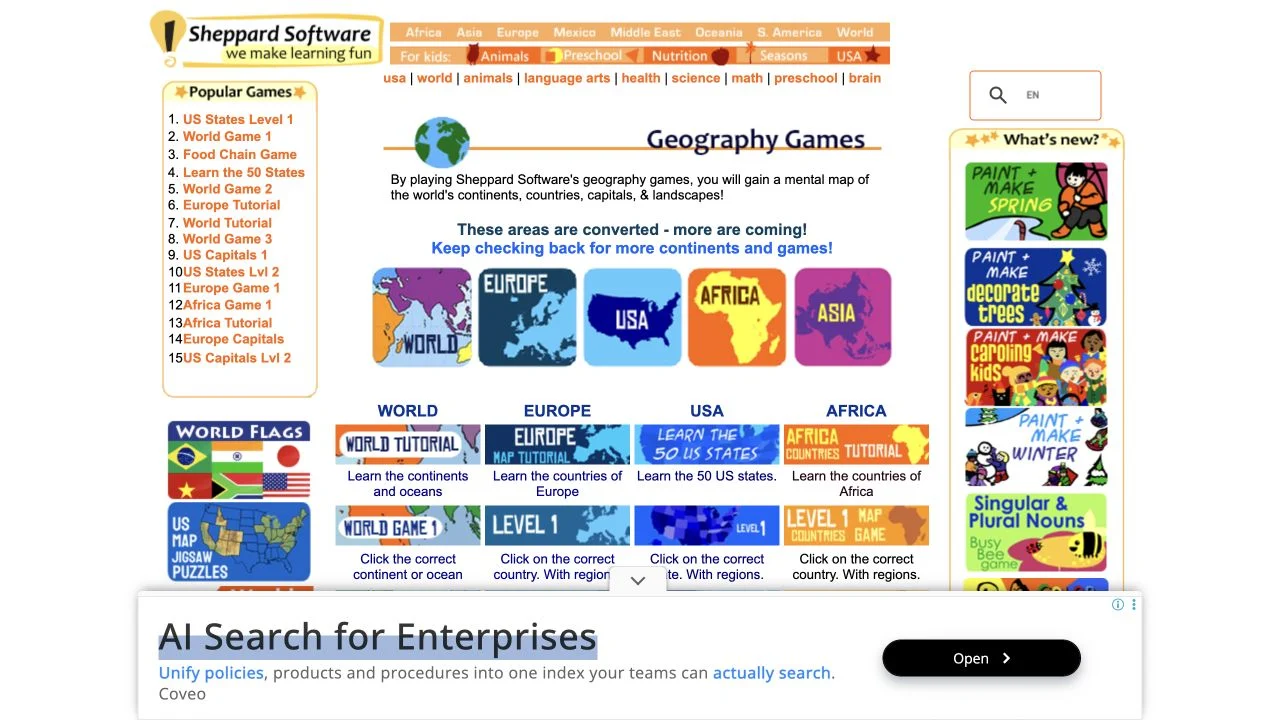
Learn geography through regional map exercises and approachable practice games.
 Free entry
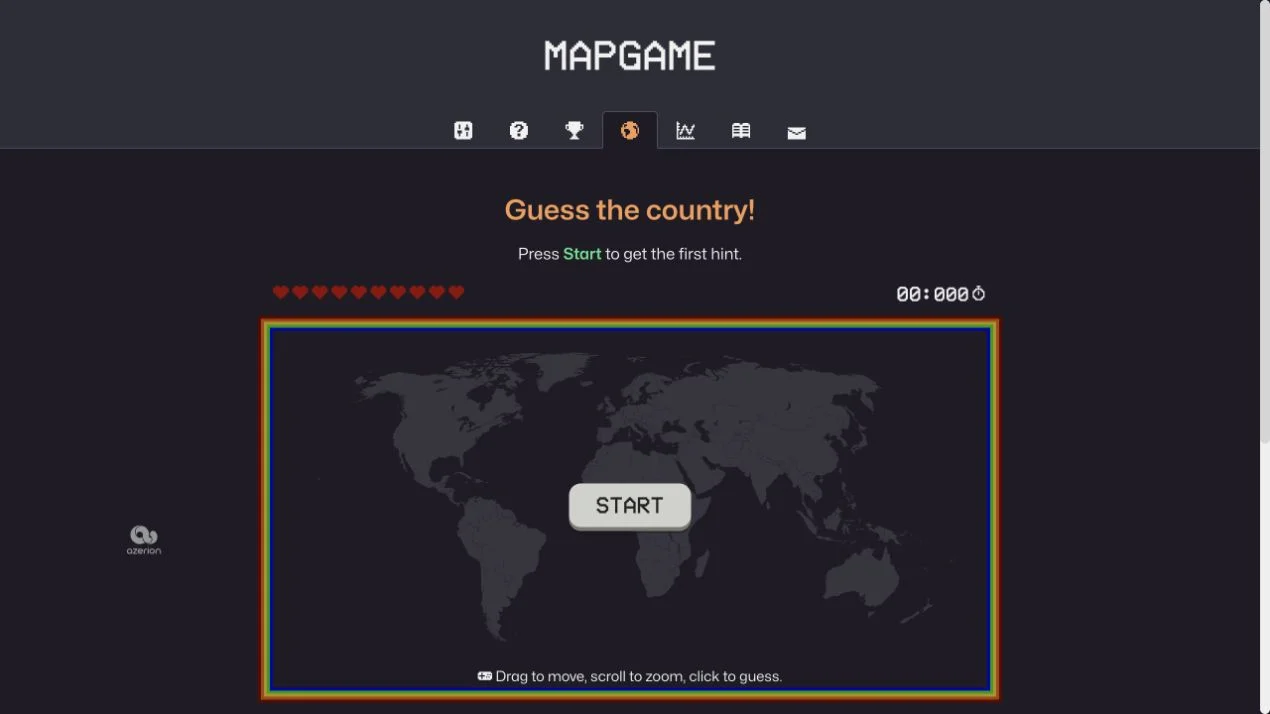
Find a hidden country through clues on an interactive world map.