 Free entry
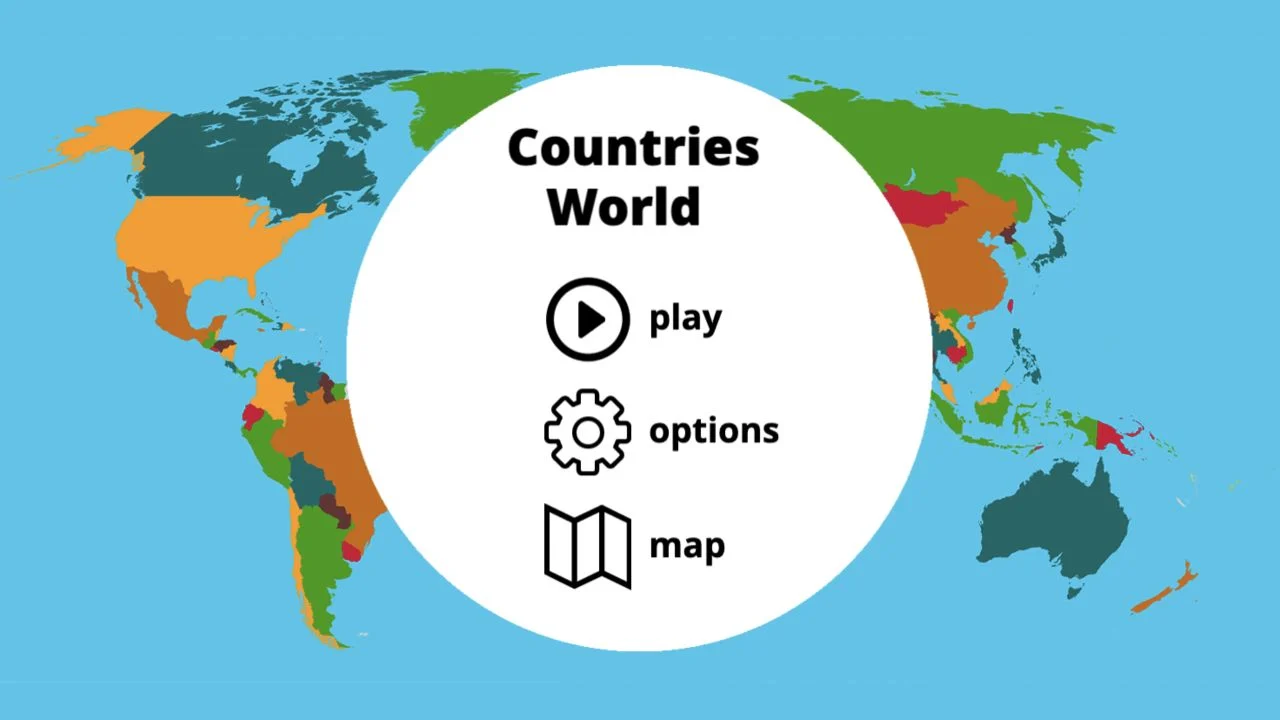
World Geography Games
Practice countries, capitals, oceans and physical geography with focused map quizzes.
Map quizzes
A broad arcade becomes more useful when you know what to practice. Use search and learning links to focus the session, then read the selected activity’s own rules.
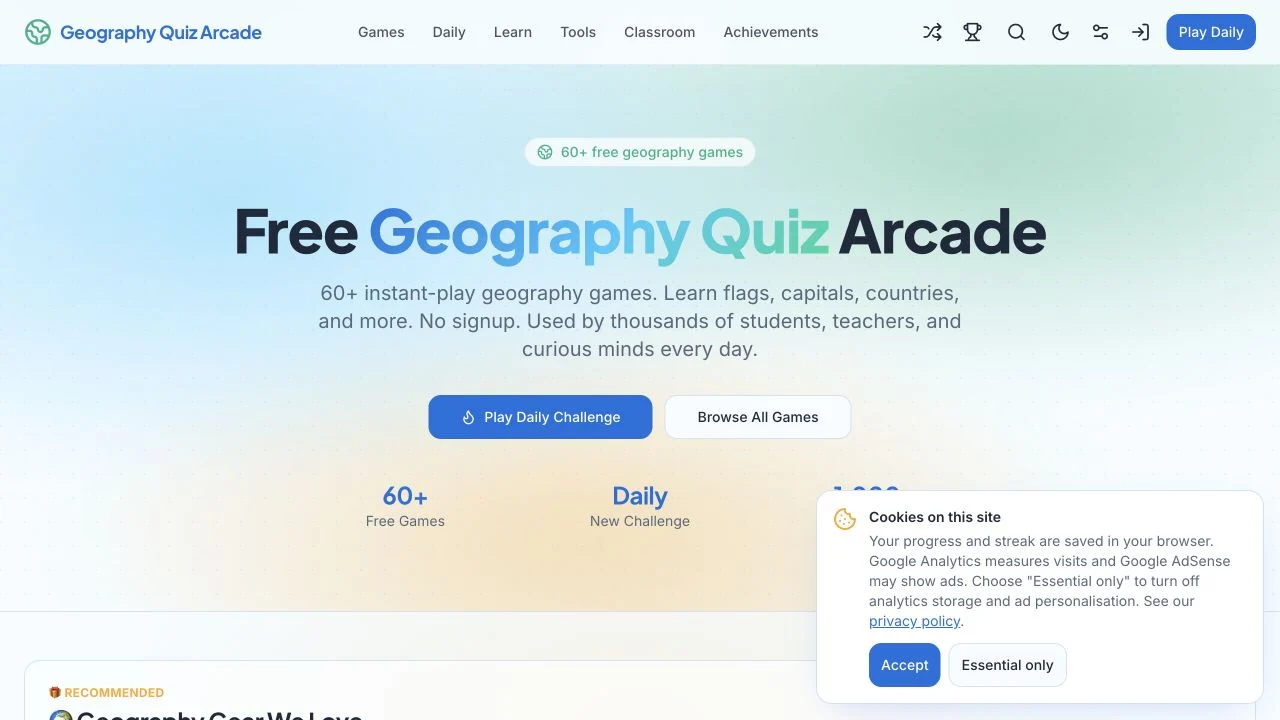
Geography Quiz Arcade advertises more than 60 geography games and an instant-play path without signup. Its primary navigation separates Games, Daily, Learn, Tools, Classroom and Achievements. Search and a random-game link provide different ways into the collection.
The public page also includes accessibility settings, theme controls and affiliate product recommendations. Those shop links are separate from the game catalog. We checked the selection page and available navigation, not every classroom feature or achievement flow.
An arcade collection is most useful when you choose a repeatable learning target. Random selection can introduce a format, but deliberate review requires a consistent region or association. Read the current activity’s feedback, then decide whether the missing skill concerns a flag, capital, name or map position.
Choose the region or subject you want to improve before opening a game. A random activity is useful for discovery, less so for tracking a specific gap.
Use the visible settings to find a comfortable presentation. Verify the chosen activity’s input requirements as well as the site-wide controls.
The affiliate recommendations are optional catalog content. Return to Games or Daily when your goal is play rather than shopping.
You want a wide geography activity menu with daily and learning entry points.
You need verified classroom administration or consistent controls across every activity. Those broader workflows were not completed during the check.
Choose a different game based on the experience you want.
No such requirement is stated. The public page advertises free games and separately discloses affiliate product links.
No. The Classroom navigation was visible, but this check did not establish a complete teacher-and-student workflow.
Free entry
Practice countries, capitals, oceans and physical geography with focused map quizzes.
 Free entry
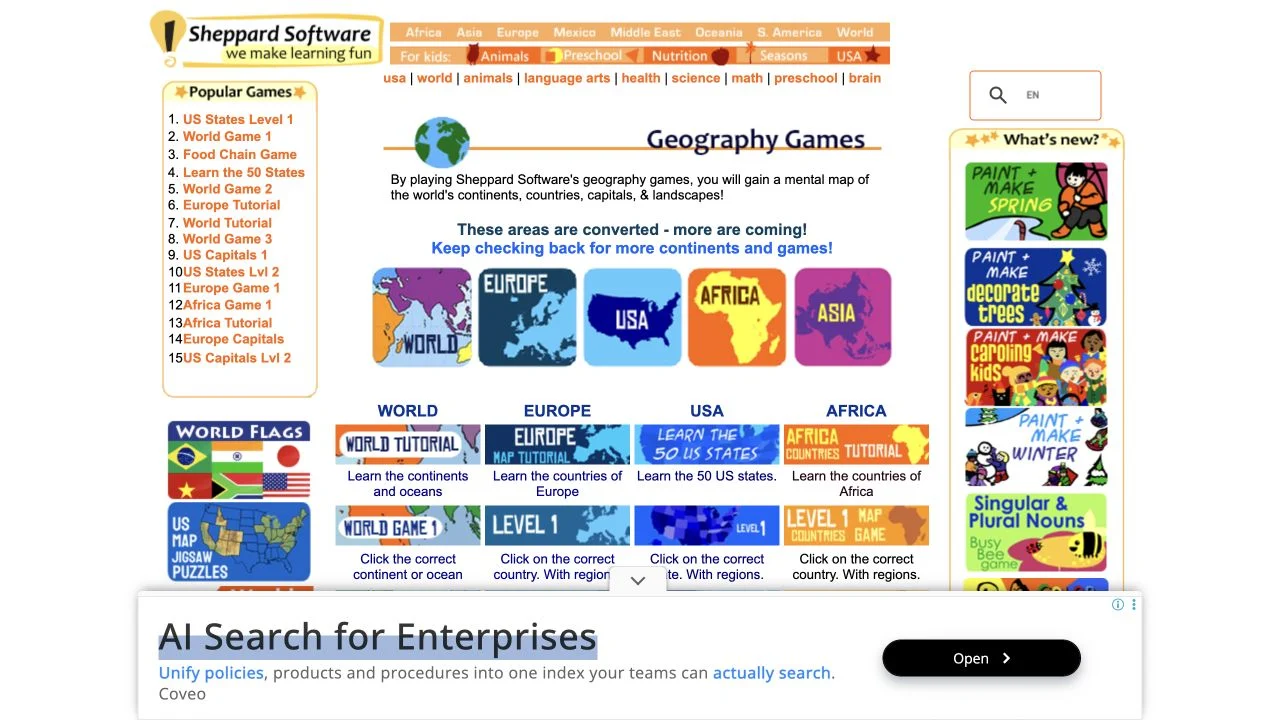
Learn geography through regional map exercises and approachable practice games.
 Free entry
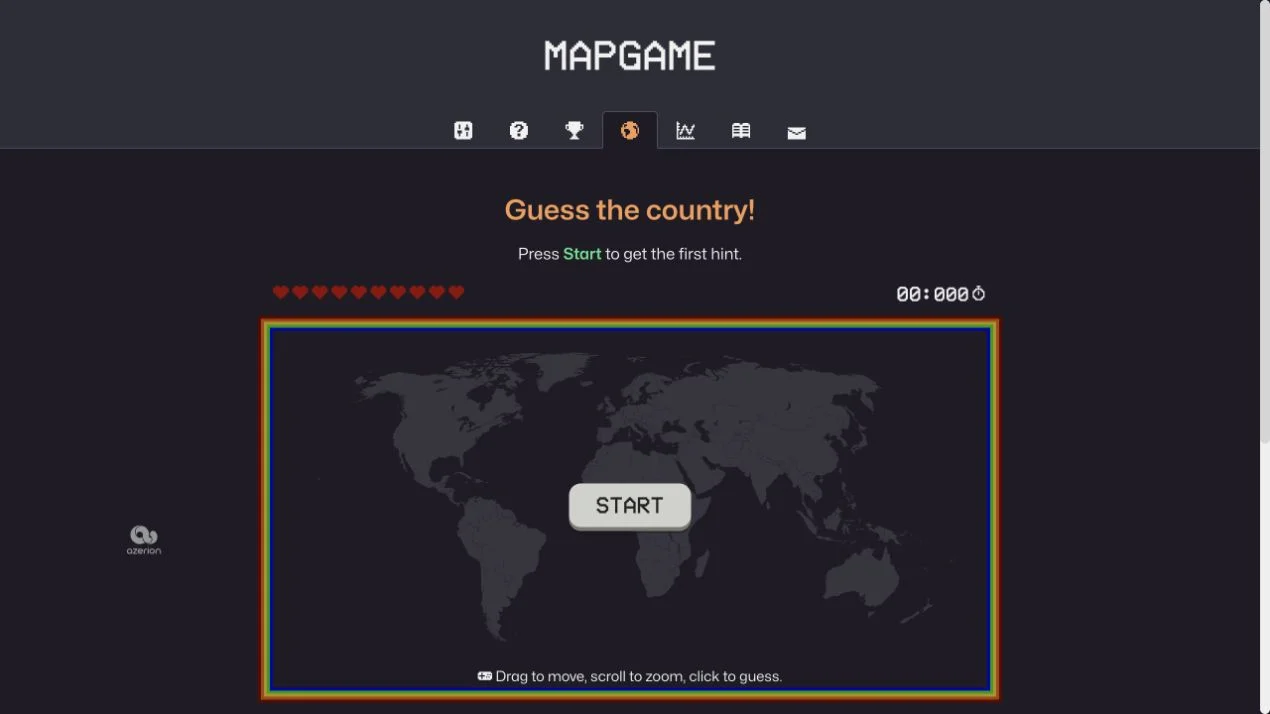
Find a hidden country through clues on an interactive world map.