 Free entry
LangGuessr
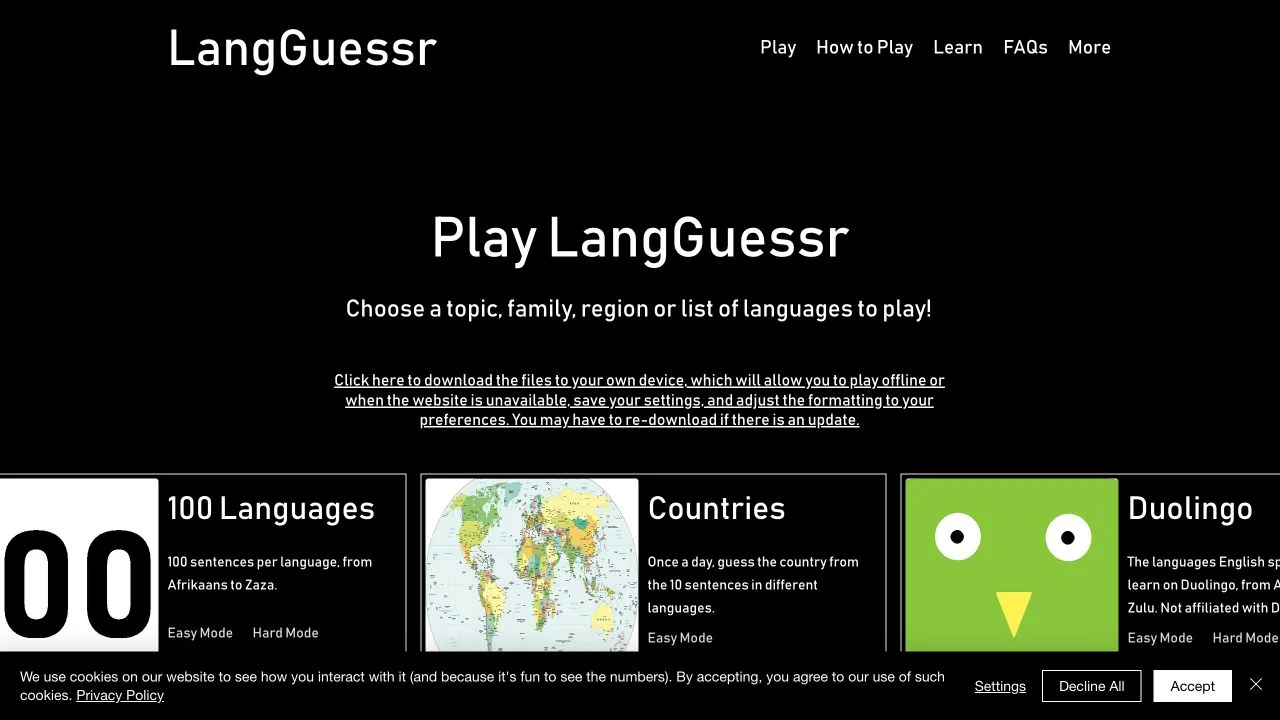
Recognize written languages through sentence packs organized by region and language family.
Languages
Listen, replay and choose a language-country answer before time runs out. Compare scores with friends or follow the separate solo daily challenge.
Guess the Language is a free browser listening game from ImposterGames.io. Each round plays a mystery audio clip and asks you to select a language-country combination. You can replay the recording before submitting your guess. Recognizing the language is only part of the task: the country and language family also contribute to the score.
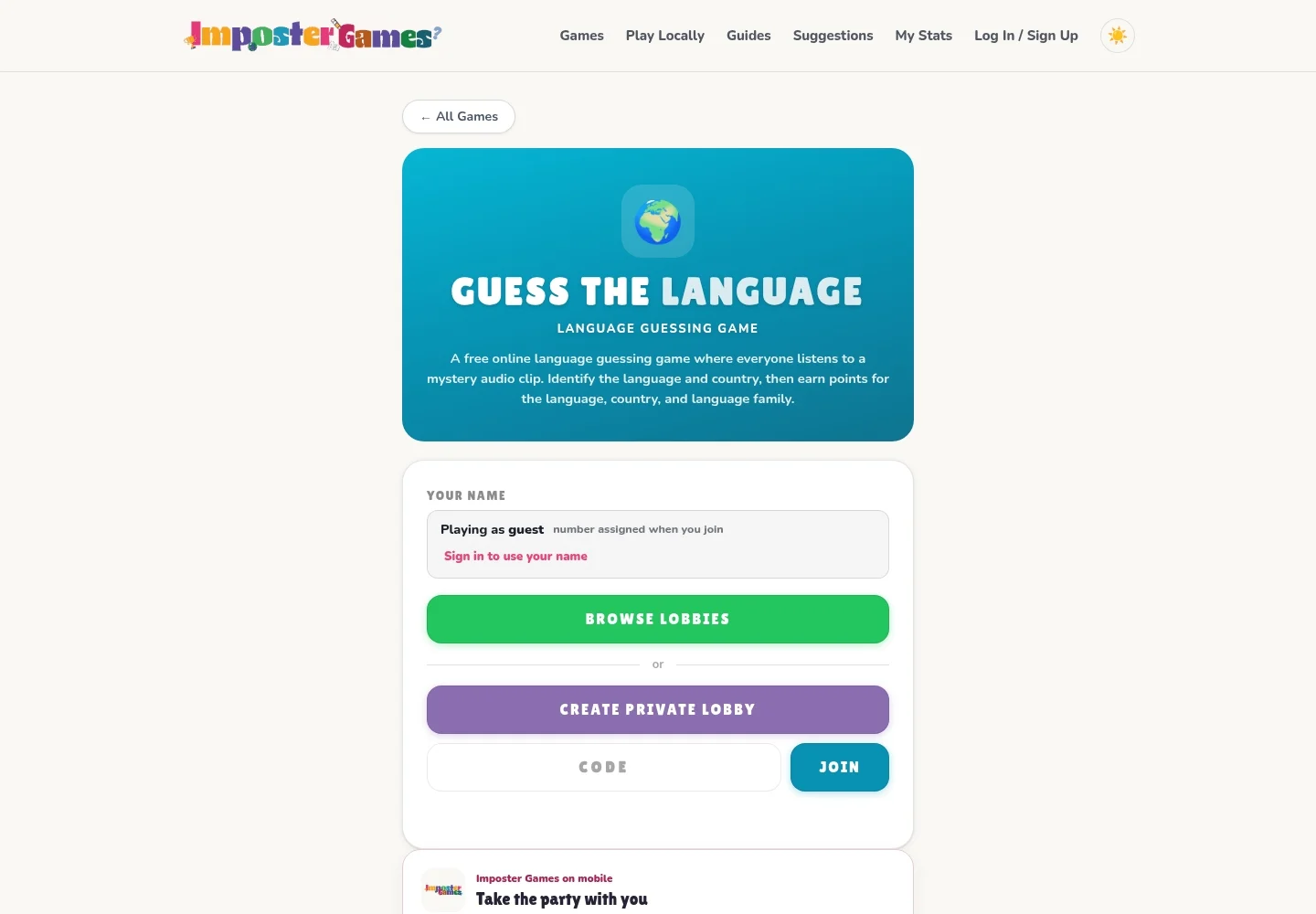
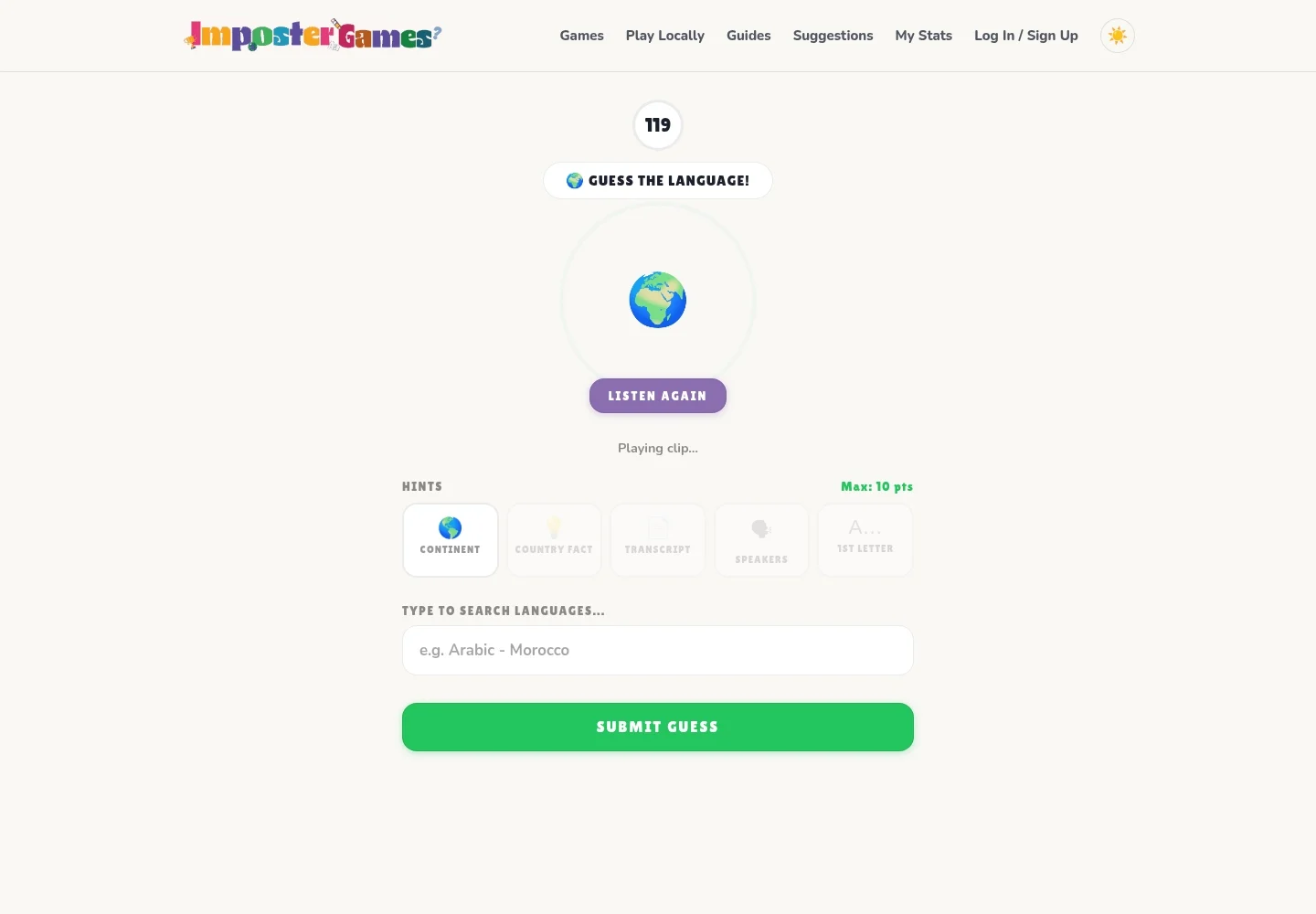
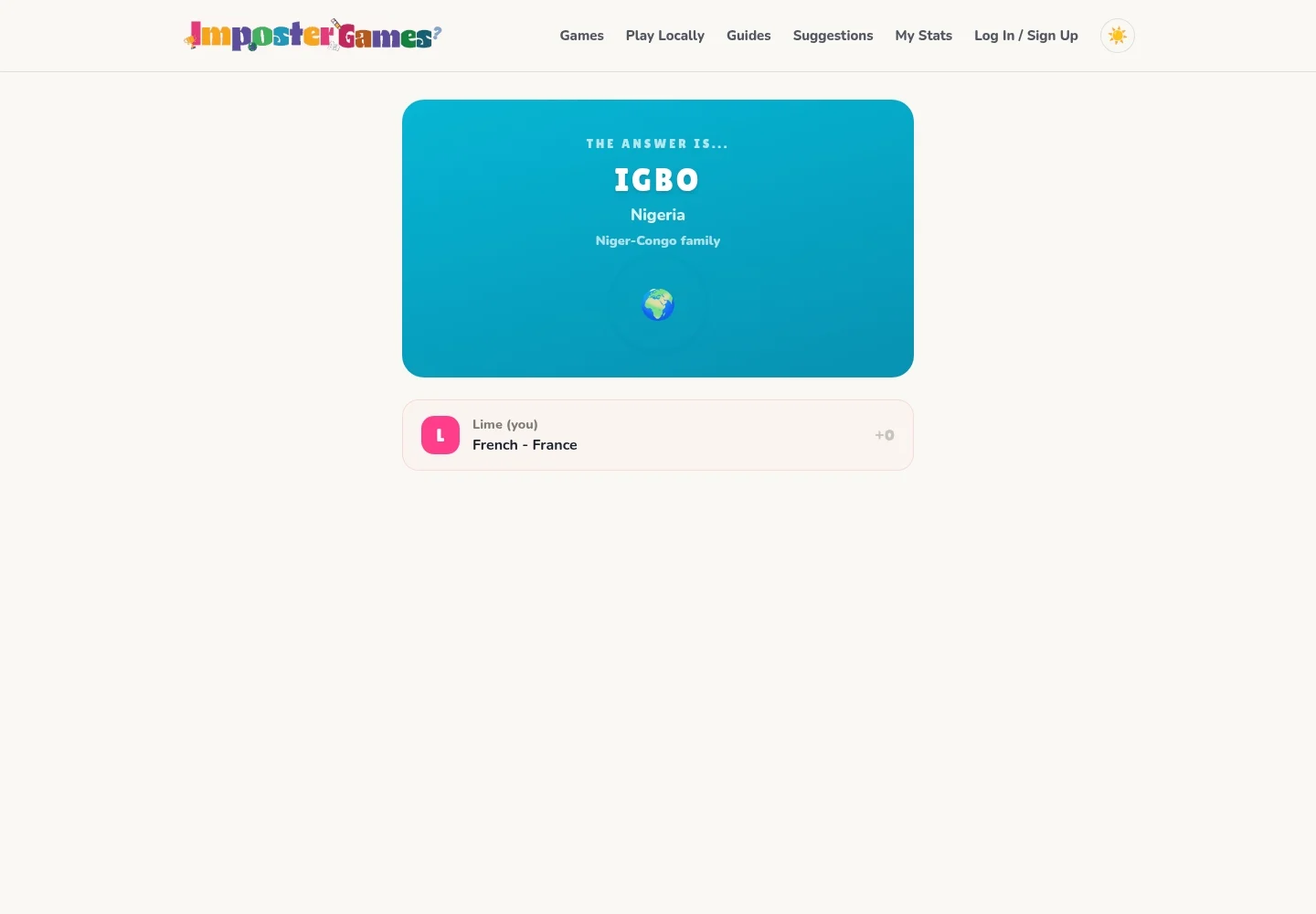
Create a private lobby for friends or join an existing lobby to compare answers across rounds. A separate solo daily challenge gives you a way to play on your own. Developer Mohamed supplied the gameplay description and three screenshots, showing guest entry, a timed listening round and an answer reveal. No account is required to play.
A round combines listening with a paired answer: choose both a language and a country from the search results. The developer describes a maximum of 10 points, with credit for language, country and language family, so partial recognition can still matter. Replay the clip when another listen could help, or spend some of the available score on a hint. Submit before time expires, then use the answer reveal to compare the correct language, country and family with your guess. Multiplayer turns that feedback into a shared score comparison; the separate daily challenge supports a solo session.
On your second listen, focus on one feature such as repeated endings or the rhythm of the speech. That gives the replay a purpose beyond hoping the answer will sound familiar.
Before submitting, read the full language-country combination you selected. A language can be spoken in several countries, so identifying it does not automatically settle the country.
Try an unaided listen first, then decide whether a hint is worth the reduction in maximum points. After the reveal, compare which detail helped you narrow the answer.
You want a free listening game to play with friends, or a solo daily challenge built around spoken languages and their geographic connections.
You prefer written clues or a map-placement puzzle. This game centers on audio and a language-country answer, so listening is part of every submitted gameplay example.
Compare these options by their clues, controls and play style before choosing your next game.
Choose WhereSpoken for another audio puzzle that asks about both language and country. Guess the Language adds multiplayer lobby play alongside its separate solo daily.
Choose LangGuessr when you want to identify languages from written sentences instead of recordings. Its themed exercise packs provide a different way to compare language patterns.
The developer describes it as free with no account required. The supplied home screenshot shows guest play and controls to browse, create or join a lobby.
Use the main game link to create a private lobby or join an existing one with friends. For solo play, the developer provides a separate daily challenge at https://www.impostergames.io/language/language-daily.html, also linked in Sources.
Free entry
Recognize written languages through sentence packs organized by region and language family.
 Free entry
Hear a short speech recording and estimate where its language is spoken on the world map.
 Free entry
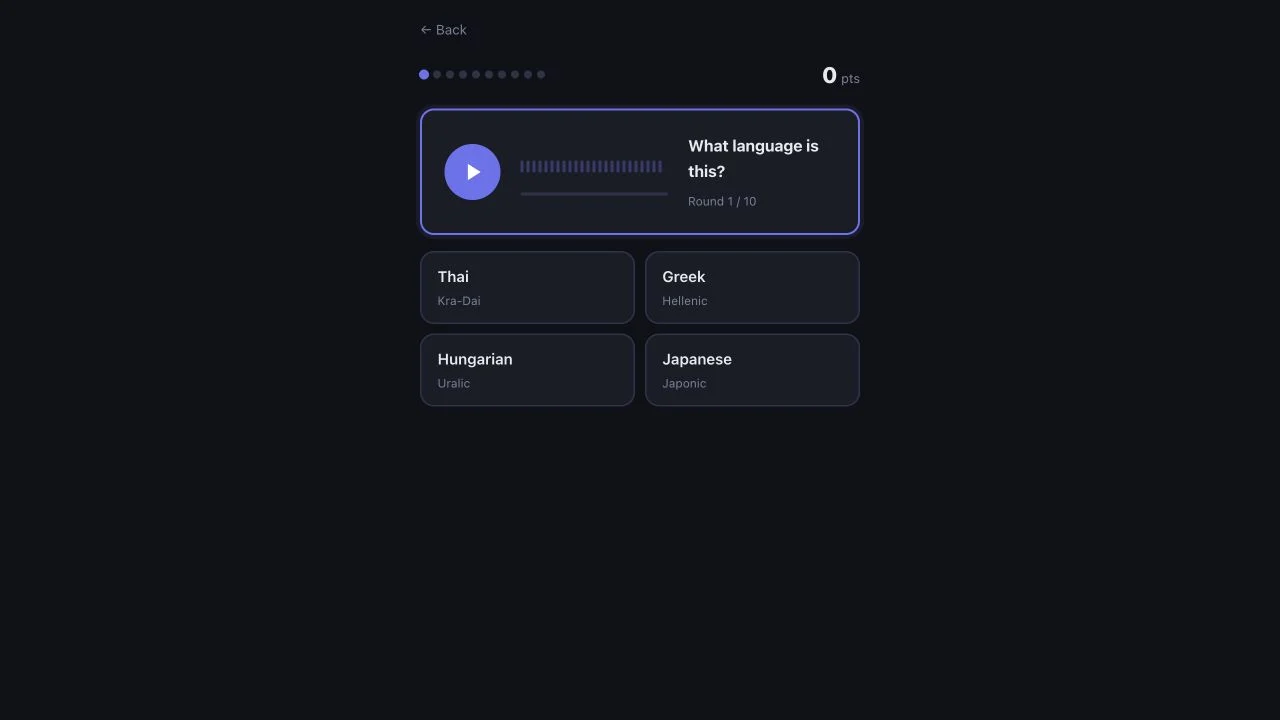
Identify a spoken language from four options across a ten-round audio quiz.