 Free entry
Worldle
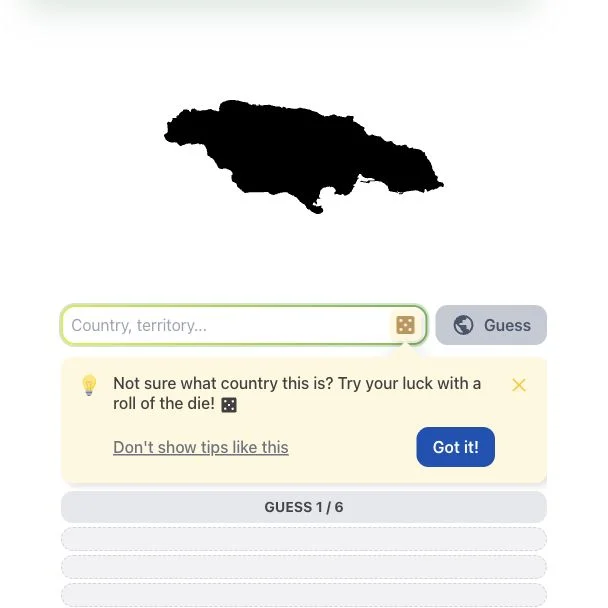
Identify a country or territory from its silhouette, using distance and direction clues.
Daily puzzles
A hover name or bearing changes how much recall the puzzle requires. Choose assistance deliberately, combine warmth with exact distance and confirm that the globe renders before relying on it.
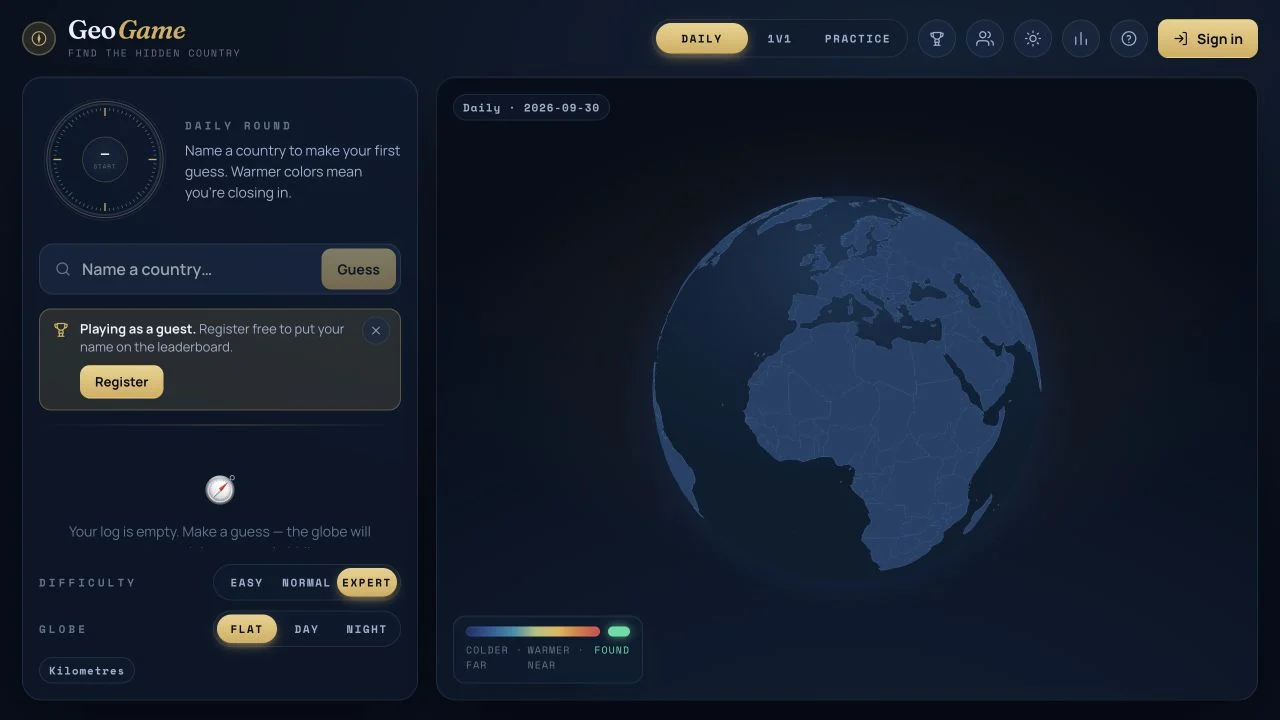
GeoGame presents a hidden-country search with color warmth and exact distance. Easy and Normal allow clicking countries on the globe and provide additional help; Expert emphasizes country-name entry. The public guide also describes daily, Practice and one-versus-one formats.
The checked page exposed difficulty controls, globe styles and the country input, but its globe retained a loading message. We did not verify a complete rendered-map round or a duel. Guest daily entry is visible; signing in is described as the route to leaderboard names and competitive rating.
Difficulty changes the information available for the same broad country search. Map selection can support recognition, while typing asks you to recall a name unaided. A bearing can direct the next move, but distance still determines whether to test a neighbor or a distant region. Treat switching difficulty as changing the challenge conditions rather than as a cosmetic preference.
Wait for geography to render. A persistent loading label is a technical limitation, not a deliberate Expert-mode map restriction.
Choose Easy or Normal to learn names and positions. Use Expert when you want to test recalled countries without the same hover or directional support.
A shrinking distance suggests a tighter regional search. If it remains large, try a geographically distinct candidate instead of cycling through nearby names.
You want the ability to increase or reduce map assistance while practicing country relationships. The public mode descriptions also offer reasons to return beyond the daily search.
You need a verified loaded globe or a tested friend session immediately. Those flows were not completed during our public check.
Choose a different game based on the experience you want.
The public guide offers globe clicking, hover names and bearing help in Easy or Normal. Expert uses a more recall-led country entry without the same assistance.
A guest country input was accessible. The guide associates sign-in with leaderboard identity and duel rating; we did not test authenticated competition.