 Check access
GeoGuessr
Explore a street-view scene, follow the clues, and place your guess on the world map.
Street view
A distinctive compound helps only when you remember its surrounding layout. Choose a familiar map, retain road and terrain relationships and refine the fictional location before racing the clock.
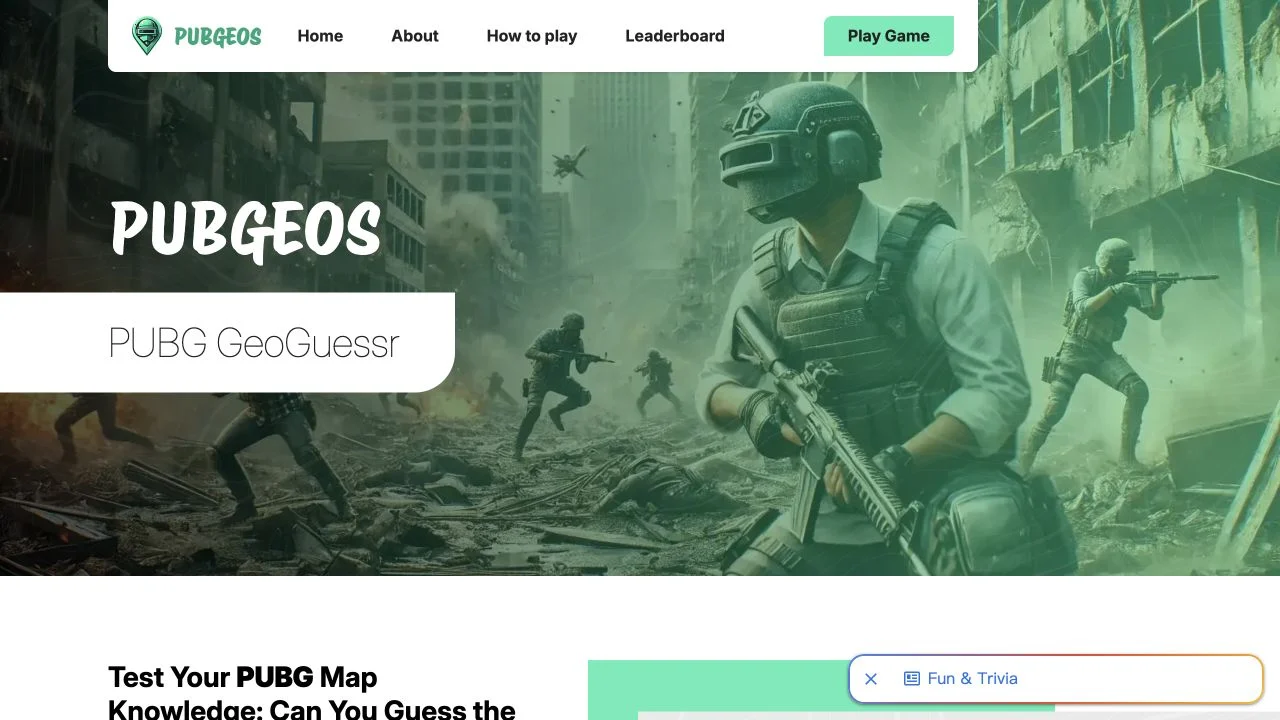
PUBGEOS applies location guessing to PUBG environments rather than real-world streets. Its guide asks you to choose a map, observe a screenshot shown for a few seconds and mark where it belongs. Familiar buildings, terrain and landmarks become the evidence.
The primary page advertises five difficulty levels and speed-plus-accuracy scoring. Several map names appear in the introduction and guide; consult the active selection for current availability. We checked the rules and map-game entry, not a complete scored run or every fictional map.
Recognition and brief visual memory are both needed. You may know a PUBG landmark yet lose its surrounding road direction once the picture disappears. Choose a map you know, then remember the relationship between the landmark, terrain and nearby features. Speed matters according to the public guide, but a rushed wrong region can outweigh a small timing gain.
Learn the map pool before increasing difficulty. A scene can be impossible to place if you have never seen its fictional terrain.
Remember which side of a road or hill the structure occupies, not only its color. Relative layout helps place similar-looking compounds.
Locate the broad zone first, then refine the marker. Speed is useful when it accompanies a defensible position.
You know PUBG maps and want a visual-memory location challenge outside a live match.
You want real-world geography learning or independently verified scoring at every difficulty.
Choose a different game based on the experience you want.
The primary guide describes screenshots from PUBG environments and placement on the game’s fictional maps.
The page credits the rights holder for maps and images. We did not establish an official partnership, so the directory does not claim one.
Check access
Explore a street-view scene, follow the clues, and place your guess on the world map.
 Free entry
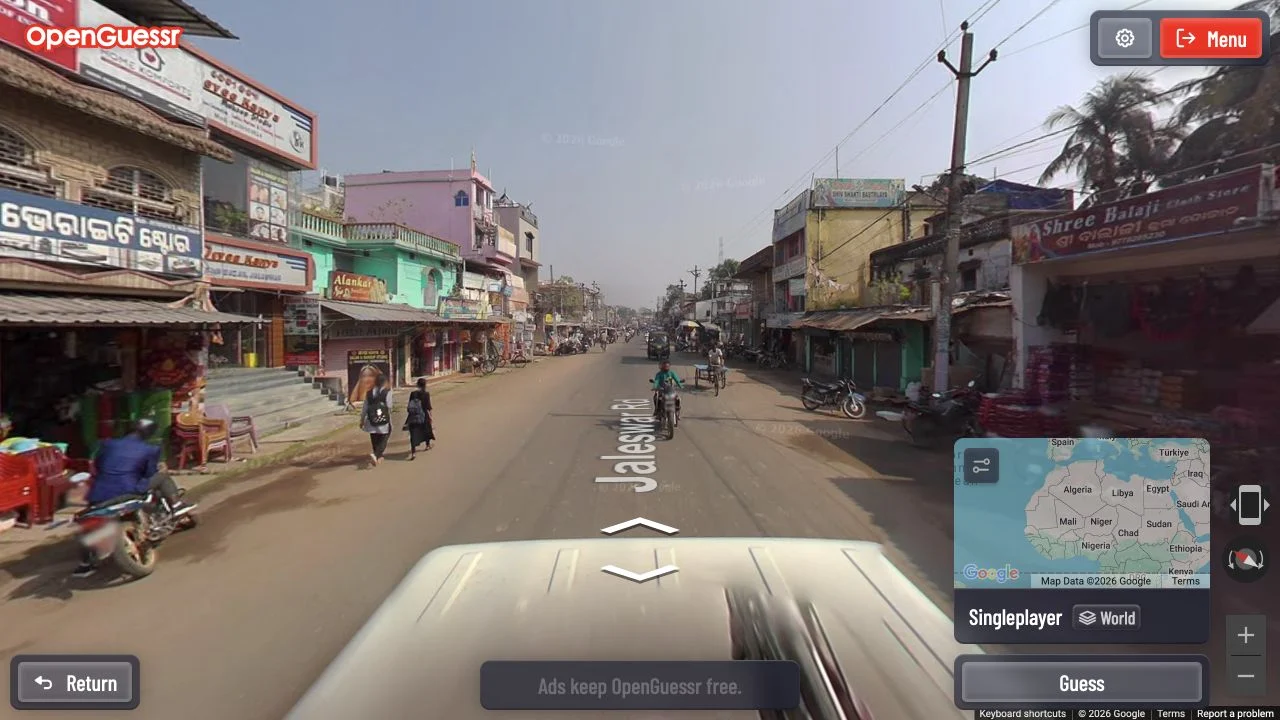
A free street-view game with unlimited exploration and rooms for friends.
 Free entry
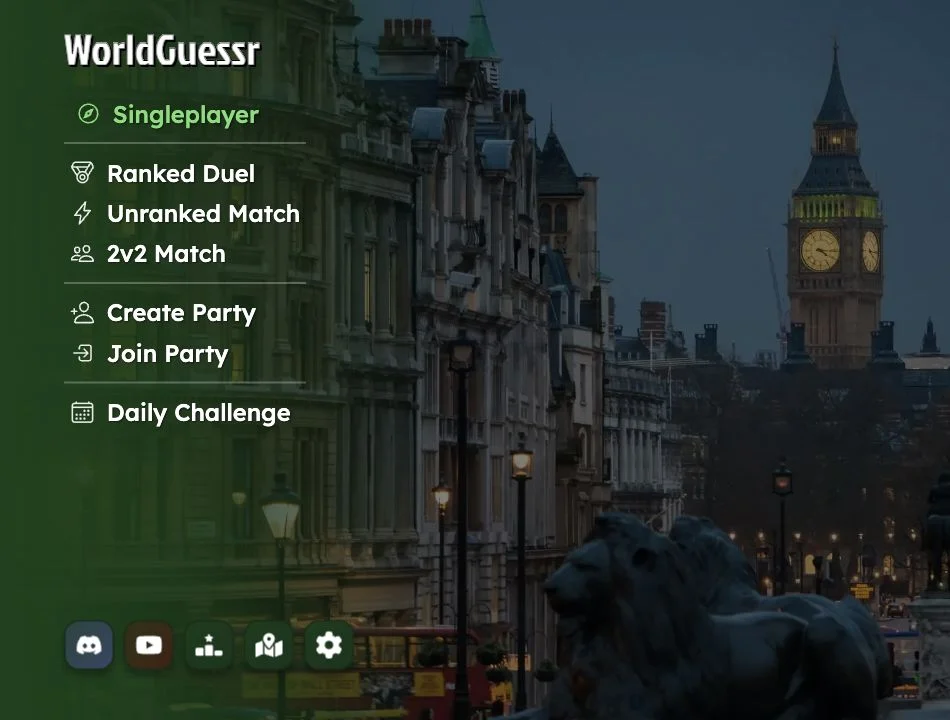
Free browser location guessing with street views and multiplayer options.