 Free entry
LangGuessr
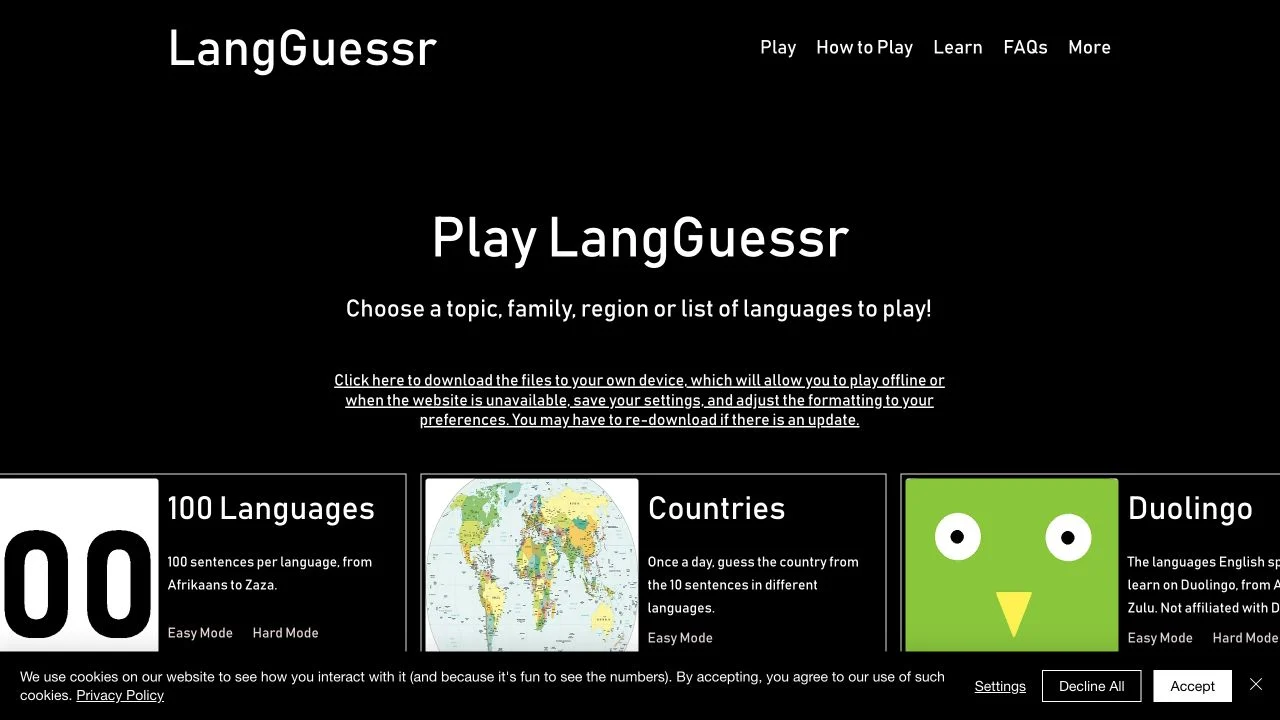
Recognize written languages through sentence packs organized by region and language family.
Languages
A smaller set of languages makes the differences easier to hear. Learn those differences before expanding the quiz’s difficulty.
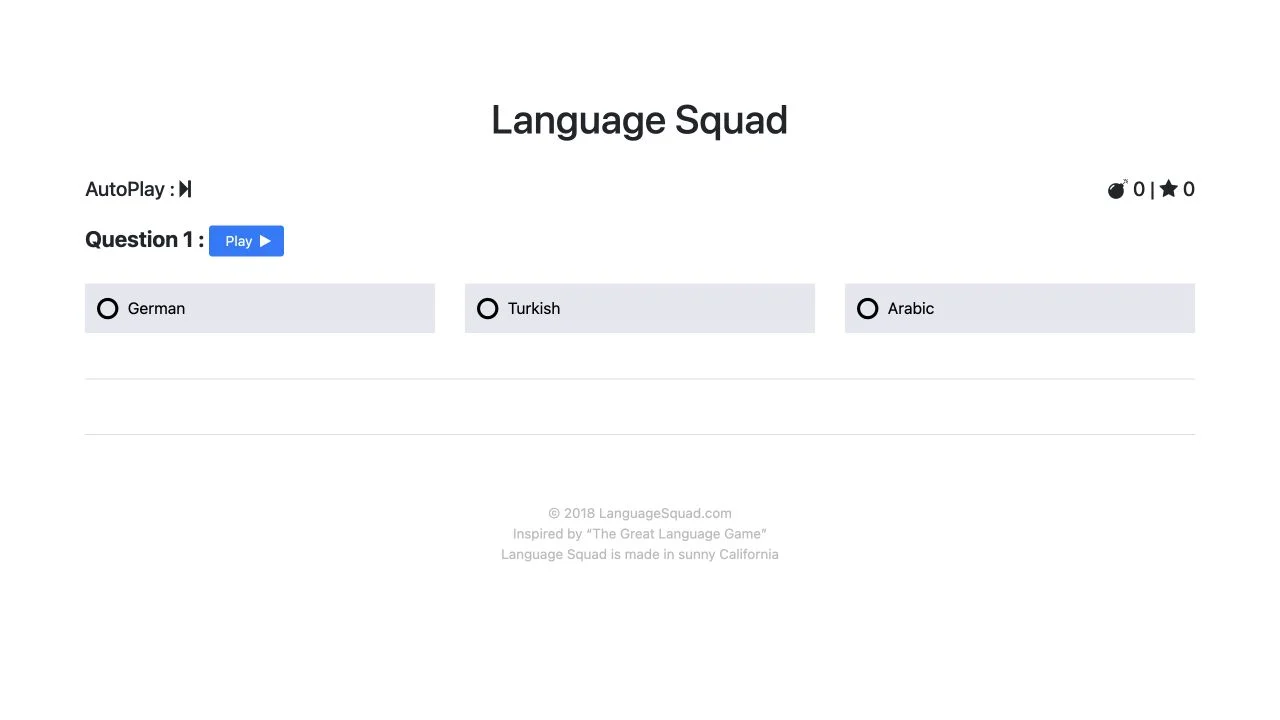
Language Squad divides its menu into Audio and Alphabet challenges. Audio has Beginner, Easy, Medium and Hard choices, while Alphabet offers Easy and Hard. The menu updates the number of included languages before you start, letting you choose how broad the recognition task should be.
An inspected Beginner audio round offered a Play control and three language options. The quiz is immediately accessible without signing in. Its separate alphabet path gives players a way to practice written recognition when listening is inconvenient, though we did not run that full mode.
A controlled language pool makes practice repeatable. Beginner audio presents a smaller set of possibilities, while harder levels ask you to distinguish a wider range. The learning task is recognition rather than translation, so a recording you cannot understand can still contain useful sound patterns.
Use the smaller pool to learn which repeated sound features support your answers. Moving up before you can explain a distinction often just produces more random guesses.
Form an initial impression from the clip, then compare it with the choices. This reduces the chance that a familiar answer name dominates your listening.
Use the separate Alphabet menu to explore written recognition. The two skills complement each other, but recognizing a script does not guarantee you can recognize its speech.
You want guest-friendly practice with an explicit difficulty choice and both sound-based and written-recognition paths.
You want a daily shared place puzzle or a map score. Language Squad focuses on identifying languages within a selected quiz pool.
Choose a different game based on the experience you want.
The menu shows the language count for the selected difficulty. Choosing a level changes the pool before you start.
No. The public menu also offers Alphabet difficulties. The screenshot on this guide shows the inspected audio round.
Free entry
Recognize written languages through sentence packs organized by region and language family.
 Free entry
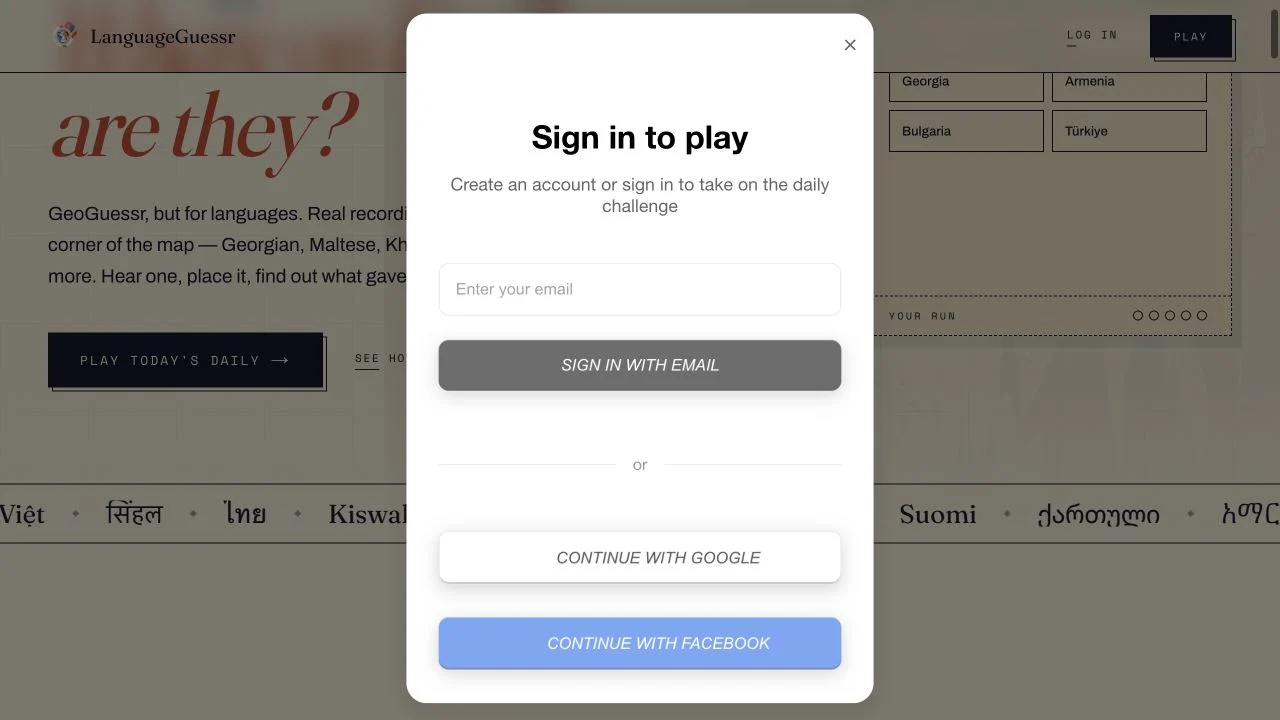
Hear a short speech recording and estimate where its language is spoken on the world map.
 Free entry
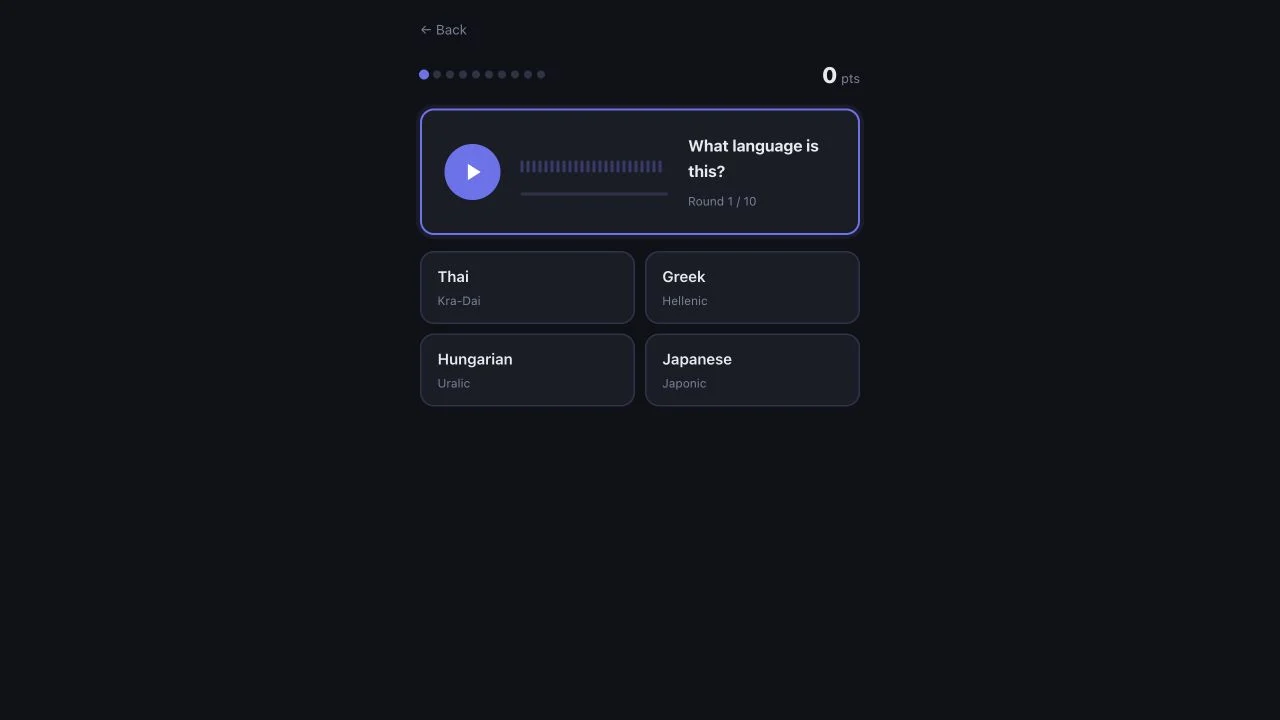
Identify a spoken language from four options across a ten-round audio quiz.