 Check access
GeoGuessr
Explore a street-view scene, follow the clues, and place your guess on the world map.
Street view
The next frame may reveal the clue you need. Use the sequence slider purposefully, narrow the region and switch to precise map placement only when the evidence supports it.
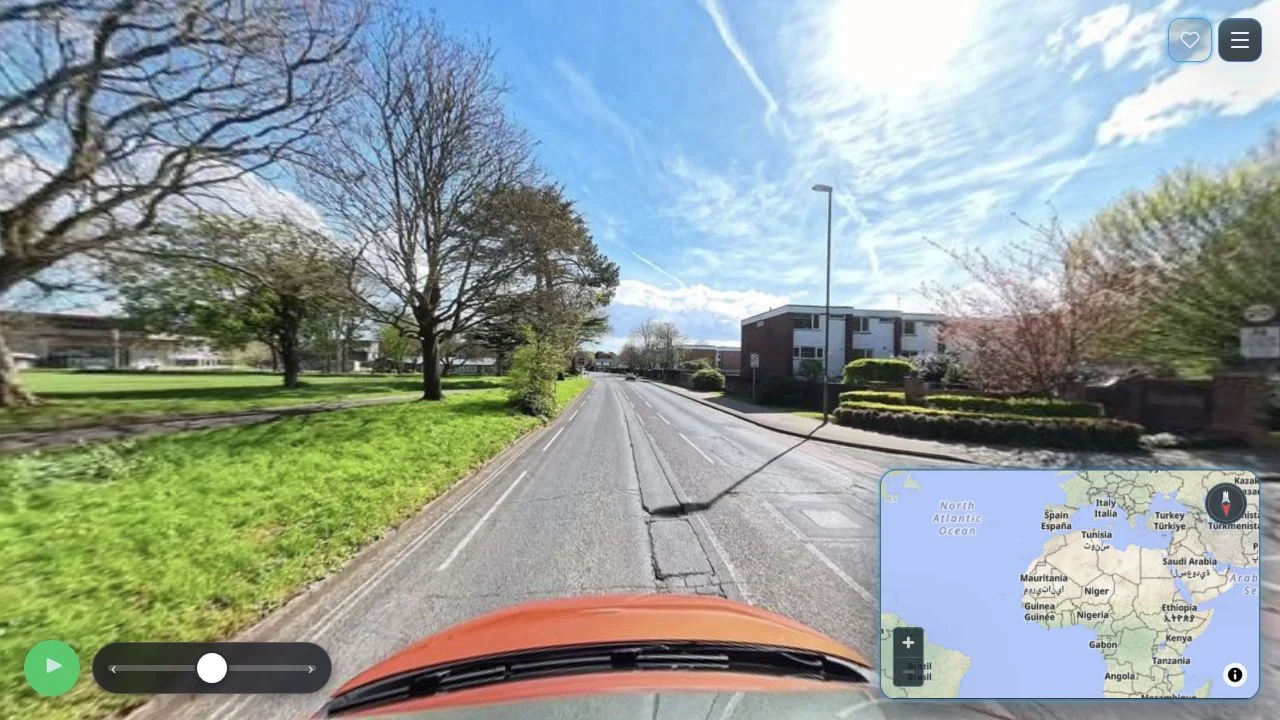
GeoPinz’s loaded entry combines a street-level sequence with a Mapbox map. A slider explicitly scrubs along the Mapillary sequence, and a Play control can advance it. The map invites a click to drop a pin before Lock guess becomes available.
Expand map, Menu and a community-favorite control are visible. A seeded URL appeared during the check, identifying the inspected sequence entry. We verified the ready controls, not every menu feature or a multiplayer mode, despite the supplied table’s multiplayer label.
A sequence gives ordered evidence along a recorded path. A later frame may reveal a sign or junction missing from the first, but you are still constrained by the available recording. Compare road direction and scene transitions with the candidate map area. Place a pin only after the country or region hypothesis has enough support to make refinement meaningful.
Move along the sequence to test whether a sign, junction or building clarifies the region. Randomly cycling frames can conceal what changed your hypothesis.
Expand the map when country recognition gives way to road placement. Match directional relationships rather than clicking near a famous nearby city.
Expect recorded Mapillary frames, not unrestricted Google panorama movement. Work with the sequence controls the entry provides.
You want street-level deduction using a recorded image sequence and a clear pin-lock interaction.
You require verified multiplayer or the same movement coverage as a Google Street View game.
Choose a different game based on the experience you want.
The checked interface provides a Mapillary sequence slider. It follows available recorded frames rather than establishing unrestricted panorama movement.
The visible prompt asks you to click the map to drop a pin. The checked lock control was disabled before a position had been selected.
Check access
Explore a street-view scene, follow the clues, and place your guess on the world map.
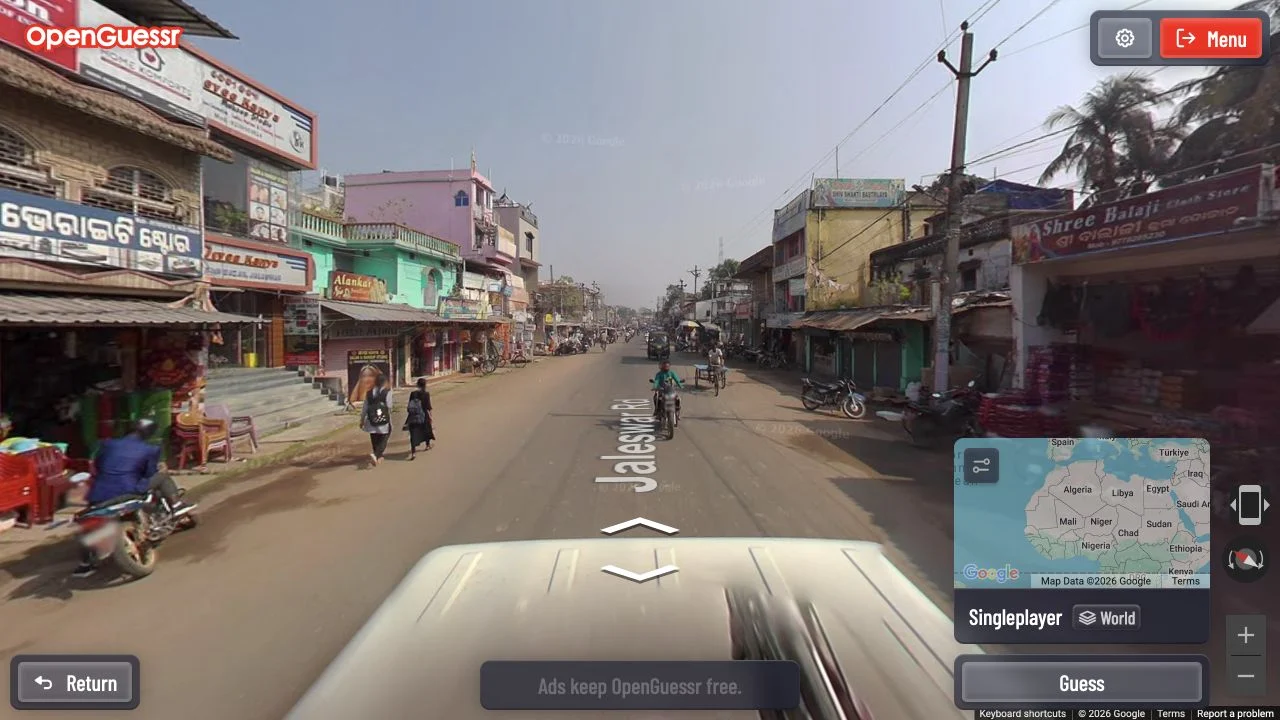 Free entry
A free street-view game with unlimited exploration and rooms for friends.
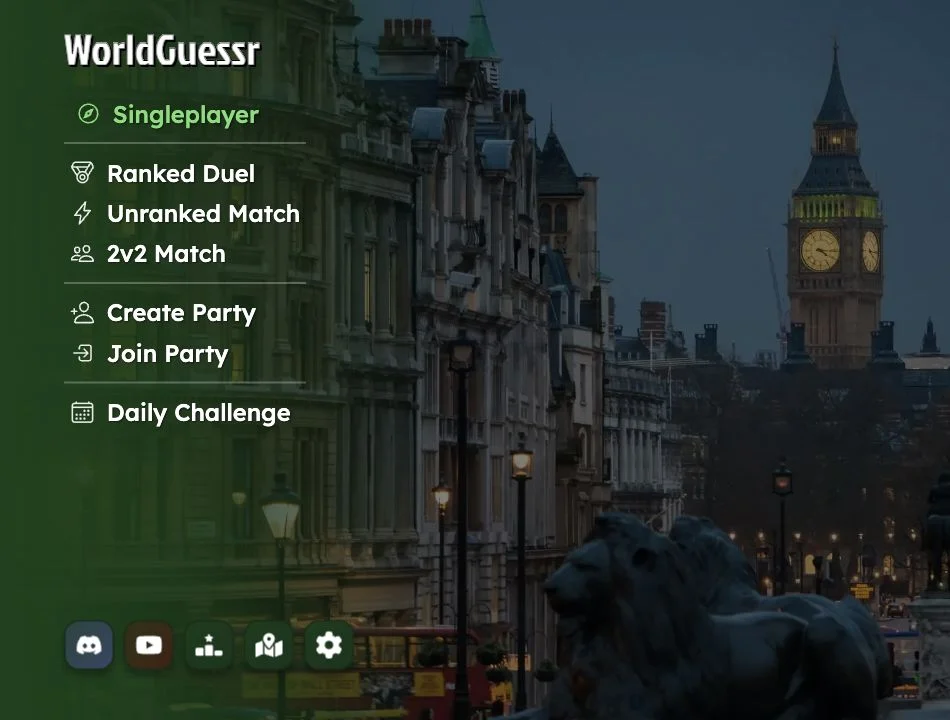 Free entry
Free browser location guessing with street views and multiplayer options.